If you’re working out how to run meta ads for a launch, it can be hard to know which decision deserves attention first—and a wrong early choice can leave you unsure what your results are telling you.
You’ll learn what to track, how to choose an objective and budget, and what to consider as you shape your audience and creative. One detail worth watching: the learning phase has a specific event threshold that can shape whether your first test has enough to learn from. This step-by-step guide on how to run Meta ads starts with tracking and ends with testing, in the order the decisions should be made.
Step 1: Install and verify the Meta Pixel when learning how to run Meta ads
Install the Meta Pixel by creating it in Events Manager, adding its code to your site, configuring standard events, and checking that they fire correctly. After installation, its code starts collecting data right away, including add-to-carts and custom events you set up, then builds a picture of audience behavior. Meta’s delivery algorithm uses those signals to help campaigns find people most likely to convert. Pixel data also supports retargeting, so you can reach visitors who saw specific pages but didn’t finish the action you wanted.
Set up Meta Pixel in five steps:
- In Meta Business Suite, open Events Manager and create a new pixel for your website.
- Add the pixel code to your website’s header; platforms such as Shopify, WordPress, and Wix often provide one-click integrations that install the code automatically.
- Configure standard events for actions such as purchases, leads, and add-to-carts through Meta’s Event Setup Tool or manual code implementation.
- Check that the pixel fires on each page and tracks events correctly with the Meta Pixel Helper browser extension.
- Before launching conversion campaigns, let the pixel collect data for at least 7-14 days to establish a baseline of visitor behavior.

iOS privacy features can block browser tracking, so the pixel may miss conversions; pair it with server-side tracking. Make test purchases or submit forms yourself, then look in Events Manager for those events within a few minutes. The pixel sends events from the browser, while Conversions API sends events from your server to Meta.
Before launch, finish the account setup too; it’s an essential part of how to set up a Meta ads campaign. See how to make meta ads account for the business portfolio and ad account steps.
- A Meta business portfolio (formerly Business Manager) holds your Facebook Page, Instagram account, WhatsApp number, and ad account. The business should own it, not the nephew who happened to set it up.
- An ad account with a payment method needs the correct time zone and currency. You can’t change the currency later without opening a new account.
- Well-defined events: Use Purchase with value and currency for online sales, Lead for form captures, and Contact or messages for deals closed on WhatsApp.
- A verified domain in the portfolio lets you control which events count.
Starting with your first campaign, add UTM parameters to each URL so Google Analytics 4 can distinguish campaigns. Our free UTM builder takes a minute to use.
Step 2: Select the campaign objective
Choose the objective that matches the outcome you want from Meta ads. Traffic seeks people likely to click, while Conversions seeks people likely to buy. The choice shapes more than the campaign label: Meta’s AI uses the objective to assess and adjust delivery, deciding who sees your ads, when they see them, and how much you pay. To build your campaign, open Ads Manager, select Create, choose your objective, and name the campaign. At the ad set level, set your audience and placements, and set the budget and schedule at the campaign or ad set level. Then select the ad identity, add your creative, destination URL, and call to action, preview the placements, check your settings and tracking, and select Publish.
For website purchases, choose Sales. Pick Leads when forms, phone calls, or quotes bring in customers; Traffic seeks clicks, not people who’ll pay.

The table links common business situations with an objective and a measure to track. For blog or catalog visits, use Traffic only as support and track Landing page views.
| Your situation | Recommended objective | What to measure |
|---|---|---|
| Online store with the pixel and CAPI working | Sales (optimizing for purchases) | Cost per purchase and ROAS |
| You sell or book appointments over WhatsApp | Engagement or Sales with a messaging destination | Cost per conversation and actual closed deals |
| Services that require a quote (clinics, construction, real estate) | Leads (instant form or website) | Cost per qualified lead |
| A new business nobody knows yet | Awareness, with short video | Reach in your area and video views |
| You want visits to your blog or a catalog | Traffic, only as support | Landing page views |
Find your situation in a row to see which result to track with its objective. Meta groups campaigns into six objectives: Awareness, Traffic, Engagement, Leads, App promotion and Sales.
Step 3: Establish your campaign budget
Room to optimize
Set the daily budget at 2-3 times your target cost per acquisition once you’ve chosen the campaign objective; Meta needs enough room to test and learn from results. If a conversion costs $25, a $10 daily budget severely limits that testing. For spend expectations, see how much do meta ads cost before setting daily thresholds.
Learning phase
An ad set enters its learning phase as results come in. Meta points to roughly 50 optimization events in a week as the mark for leaving that phase; the benchmark counts events over a full week. Meta also recommends about 50 conversion events each week before the algorithm stabilizes. If purchases are too sparse to hit that pace, optimize for a more frequent event, such as Add to Cart or conversation started, and keep gathering results as you grow.
What drives costs up and down
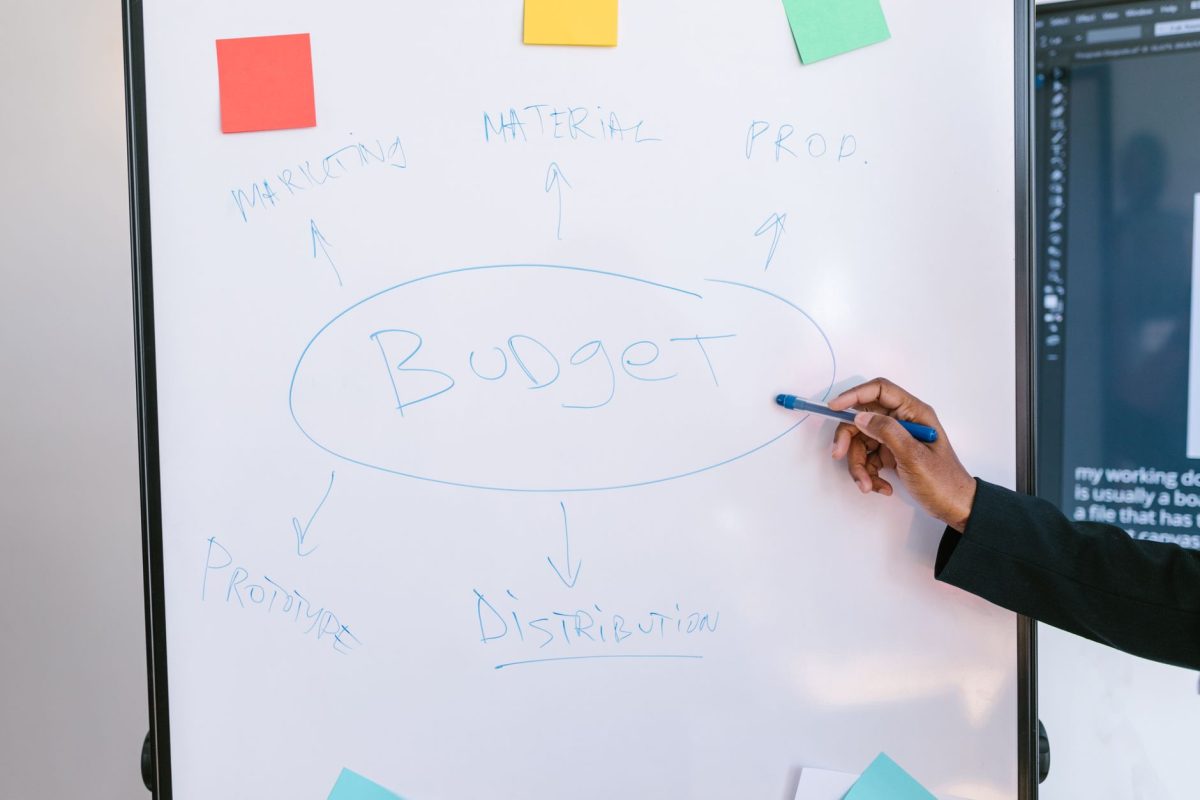
There’s no single budget that fits every campaign; start with average order value, margin, and the cost of a result in your industry. Costs can climb in smaller areas with heavy competition or during peak seasons, including Buen Fin, Mexico’s Black Friday, and December, especially when creative is tired or pages load slowly. Good creative, a clear offer, and reliable conversion data can bring costs down.
Budget changes
Keep each budget change at 20% or less; a bigger swing can disrupt optimization. For steadier performance, raise the daily budget in small steps, no more than 20% every 3-4 days.
Campaign budget optimization (CBO)
Set campaign budget optimization (CBO) to let Meta distribute spend across ad sets based on performance, rather than splitting the budget by hand.
A common mistake
A modest budget spread across too many ad sets leaves each one short of the conversion data it needs to stabilize. Give too many ad sets a minimum budget, and none gathers enough data to stabilize.
Step 4: Configure audience targeting
Advantage+ targeting
When you use Advantage+ targeting, Meta relies on machine learning to find likely customers from real conversion behavior instead of guesses about your ideal customers. It reads thousands of signals, including device use, browsing habits, past purchases, and content engagement, to find people likely to take the action you want. For beginners without deep audience insights, it can be a useful starting point.
Starting broad
Give the algorithm room to learn, but don’t aim at everyone at random. For a local business, this is how to use Meta ads for a local business: set location and age guardrails, then let campaign data show who converts best. Keep detailed interest and behavior targeting out of your first campaigns. Meta uses campaign data alongside your location and age-range settings to find an audience on its own. Broad targeting gives Meta’s delivery system more room to find conversions at a lower overall cost, though you’ll have less control over who sees those first impressions.
Advantage+ audience settings
Advantage+ audience settings let Meta reach beyond the targeting parameters you choose when it sees a better opportunity.
Custom audiences
Build Custom audiences from website visitors, your customer list, or app activity, so Meta can use real behavior instead of guessed interest categories. Stronger first-party data leaves Meta with less guesswork.
Lookalike audiences
Choose a solid seed group, like your top customers, rather than everyone who’s ever bought once. A 1 or 2% Lookalike based on your best buyers can be a useful starting point to test against a broader audience built from all-time leads.
Cold prospecting campaigns
For Cold prospecting campaigns, exclude existing customers, recent buyers, and people who’ve already converted. That way, you won’t spend money trying to win back people you already have, and your data stays cleaner.
Audience overlap
Ad sets aimed at the same people can compete in the auction and push costs up. Check Meta’s audience overlap tool every so often, and keep your segments from stepping on each other.
Step 5: Produce high-converting ad creative
Build mobile ads for phone screens, and make sure viewers understand the message from the first moment.
- To learn how to use Meta ads on Instagram, use a vertical 9:16 format for Reels and Stories, then prepare a 4:5 or 1:1 version for Feed.
- Show the product or problem in the first few seconds; skip an animated logo at the start.
- Add captions for people watching with the sound off.
- Phone footage with good lighting can outperform a highly polished spot because it looks like regular content.
- Make the call to action specific: “Message us on WhatsApp and we’ll send you the catalog,” rather than “Learn more.”

Phone-first design is a must: open copy around the frustration your audience feels, acknowledge it, and show how your solution can bring relief. Name the problem plainly and turn up the tension a little, using the words people use themselves to make it vivid. Then frame your solution as a path to a better situation, not a pile of marketing or technical terms. Use the language your audience uses.
Step 6: Manage the learning phase
Keep the campaign objective fixed after launch; changing it resets the learning phase and sends the algorithm back to the beginning.
Let new campaigns run for at least 7 days without major changes, even when early performance feels underwhelming. Campaigns typically need 3-7 days to leave the learning phase, and performance often improves significantly after that initial period.

Open Ads Manager and check your campaign’s learning phase indicator, then wait until it reads “Learning Limited” or exits learning before you judge performance or decide what to change.
Maintain a healthy pool of 15-50+ active creatives continuously at any given time, giving the algorithm enough options. Rotate creatives to fight fatigue; that’s also part of Meta ads campaign best practices.
Frequently asked questions
Which Meta Ads campaign objective should I use to sell?
For online sales, set the objective to Sales, formerly Conversions, then watch cost per purchase and ROAS.
Do I need the Conversions API if I already have the pixel?
Yes, run the pixel alongside the Conversions API: the pixel picks up events in the browser, while your server or store platform sends them too, so ad blockers or privacy restrictions don’t make those events disappear.
What is Advantage+ in Meta Ads?
Meta calls its automated campaign features Advantage+; its AI automatically optimizes various campaign elements, allowing you to achieve improved outcomes with reduced work. The stated aim is better results with less effort.
How long does a Meta Ads campaign take to deliver results?
Give tests at least 7 days, or longer if conversion lag runs slower. Set the budget for each variant high enough to hit roughly 25 optimization events before it can leave learning.
Conclusion
Choose the action you want people to take first, and make sure Meta gets reliable signals tied to it. For Sales, keep an eye on cost per purchase and ROAS; browser events come through the pixel, and server events through the Conversions API. Advantage+ applies AI to improve campaign parts automatically. Still, tests need enough budget to reach roughly 25 optimization events. Give them at least 7 days, or longer if conversion lag is slower. Both reliable signals and time to learn matter when deciding how to run meta ads. Follow these steps in order at every launch, and you will know how to run Meta ads with data you can trust.