Ever wondered why your article just sits there while someone else’s rockets to #1 on Google?
I used to think it was all about luck or secret backlinks. Turns out, it’s often just about how you organize your headings. A Backlinko study showed that pages with clear heading structures are 36% more likely to hit the first page. That stat alone made me rethink everything.
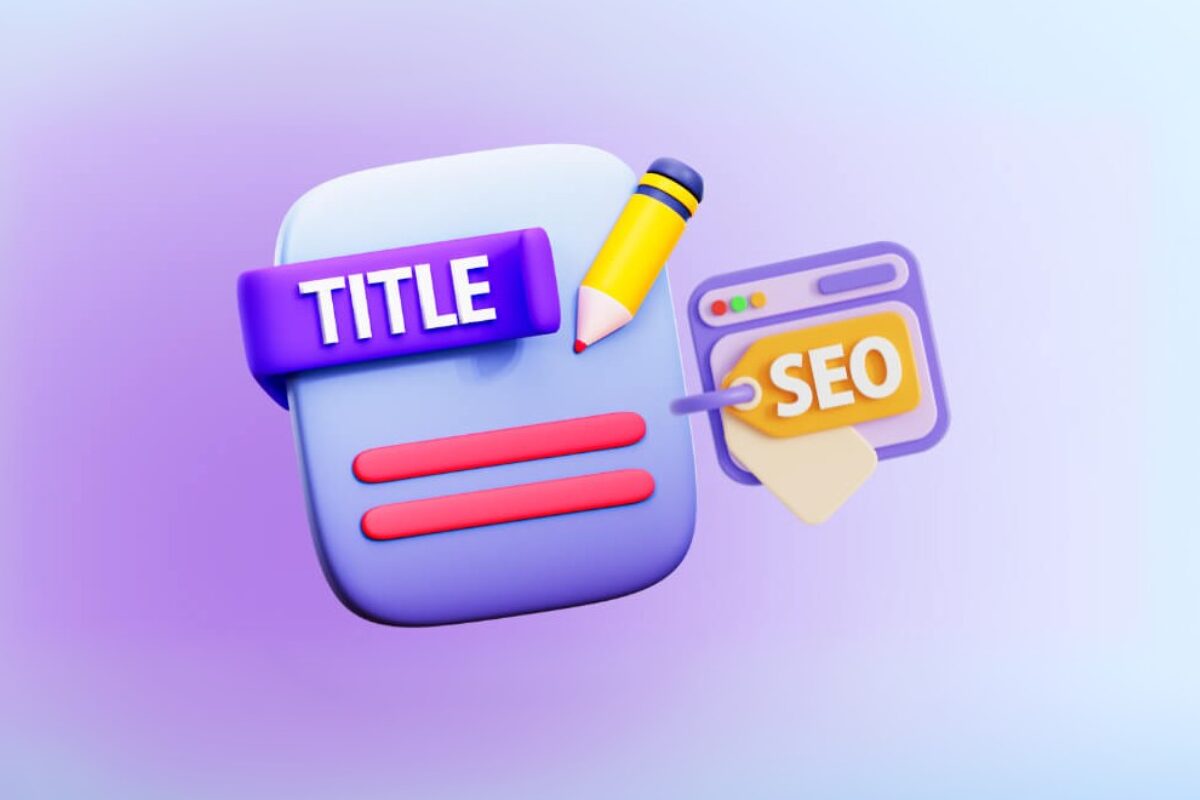
In this guide, I’ll break down why headings matter, how to nail them for both Google and real people, and how you can tweak yours for better results.
An SEO-optimized article structure requires many elements, such as internal links to schema markup. But in practice, we’ve found heading hierarchy forms the structural backbone of the entire article. That’s why this guide focuses specifically on headings.
Key Takeaways
-
Only one
<h1>. Make it count. -
Use H2, then H3. Don’t skip levels.
-
Add keywords naturally.
-
Clear headings = easier for Google and readers.
Why Is Heading Structure Important for SEO?
Ever feel like Google doesn’t “get” your article? Here’s the secret: search engines and real people both need clear signposts, and that’s exactly what headings provide.
How Do Search Engines Read Headings?
Google bot scanning SEO-optimized article structure headings on a webpage
Search engines don’t read your page like you and me. They scan the HTML code, looking at your heading hierarchy to figure out what your content is about. H1 defines the primary entity. H2 and H3 establish topical depth and sub-intent.
- Relevance: If your headings match what someone’s searching for, Google sees your page as a strong answer. Clear headings help Google index your content more accurately.
- Featured snippets: Those answer boxes at the top of search results? Google often grabs info straight from well-structured headings and the content that follows.
- AI Overviews: Google increasingly extracts summarized answers from pages with clean heading segmentation
- People Also Ask: Well-framed H2 questions often mirror PAA patterns. That alignment improves extractability and topical clarity.
Beyond rankings, structure directly influences conversion behavior.
Users engage more deeply with content that is clearly segmented and easy to navigate. Well-defined sections create natural placement points for contextual CTAs, micro-conversions, and internal links.
When readers can quickly understand where they are in the content, trust increases. And that trust shortens the path from traffic to lead.
How Headings Improve User Experience
Users skimming a webpage with clear, engaging headings
Headings are both for bots and for your readers. And happy readers are a big win for SEO.
-
Easy scanning: Research by the Nielsen Norman Group shows 79% of users scan pages instead of reading every word. Headings help them jump right to the part they care about, keeping them on your site longer.
-
Accessibility: Screen readers use heading tags to help users with disabilities navigate your content—just like a table of contents for everyone.
-
Professional look: Clear, organized headings make your article look polished and trustworthy. People are more likely to stick around and actually read what you wrote.
Imagine a student landing on her school’s “Financial Aid” page. Headings like “Scholarships” and “Loans” let her skim straight to what she needs—no hunting, no frustration.
Bottom line: Structure shapes how content is interpreted, navigated, and acted on. Weak hierarchy limits both visibility and conversion potential.
Keep in mind that headings don’t operate in isolation. They influence internal linking logic, snippet eligibility, and how AI systems summarize your page. But if the hierarchy itself is weak, those layers struggle to perform. Fix the structure first, then optimize outward.
4 Simple Tips for Creating SEO-Optimized Article Structure Headings
Crafting effective headings requires strategy. These 4 tips help you create an SEO content organization that boosts rankings and engages readers.
Before we go into each tip, use this checklist to do a quick heading structure audit:
- One primary entity is clearly reflected in the H1
- No skipped hierarchy levels (no H4 jumping from H2)
- Each H2 maps to a distinct search intent or subtopic
- FAQ sections align with common “People Also Ask” queries
- Internal links use contextual anchor text within relevant sections
- No headings used purely for styling or visual emphasis
Use Only One H1 Per Page
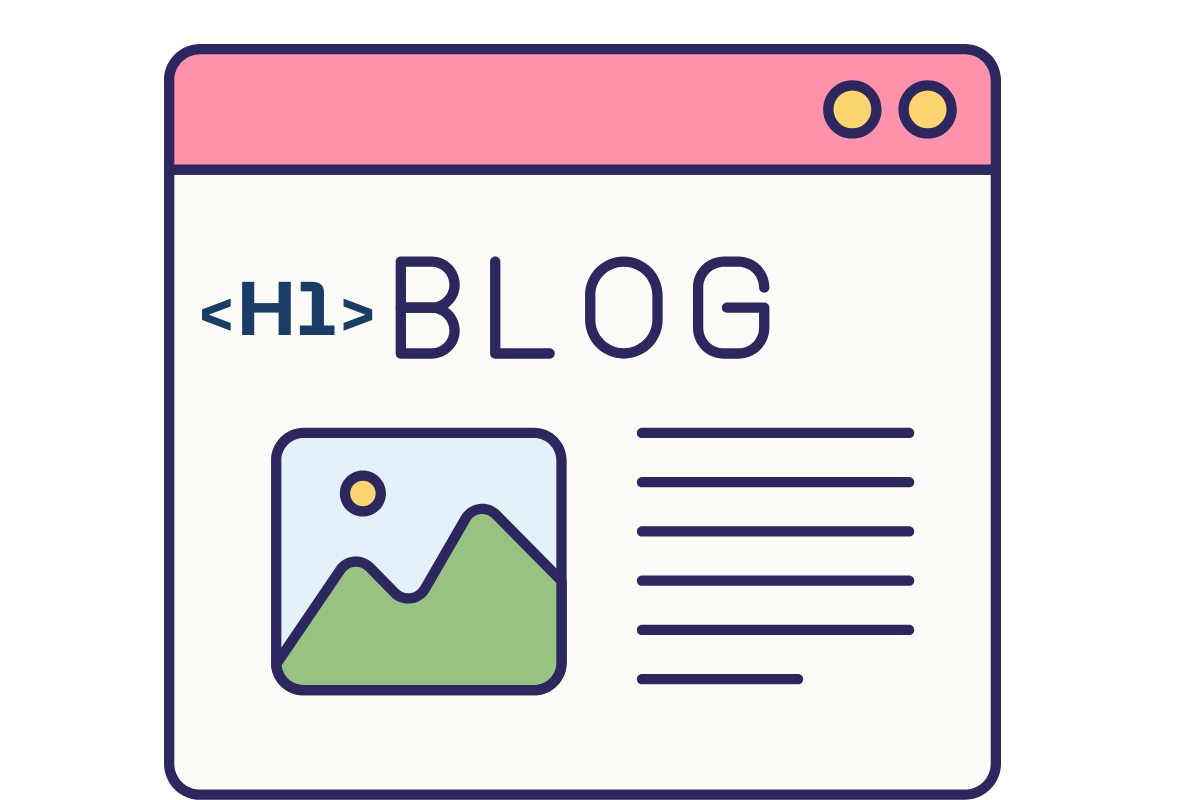
A webpage with a single H1 tag for clear SEO focus
This is the golden rule. The <h1> tag is the main title of the page, summarizing the entire topic. Using multiple H1 tags dilutes your SEO focus and confuses search engines about the page’s main subject.
- Example:
- Correct: <h1>A Beginner’s Guide to Digital Photography</h1>
- Incorrect: Using more than one <h1> tag on the page for subtopics.
Fun fact: Some of the most in-depth research (and my own experience) shows that your title. Yep, the <h1> carries the most SEO weight on your page.
Organize Headings in a Logical Order (H2, H3, H4…)
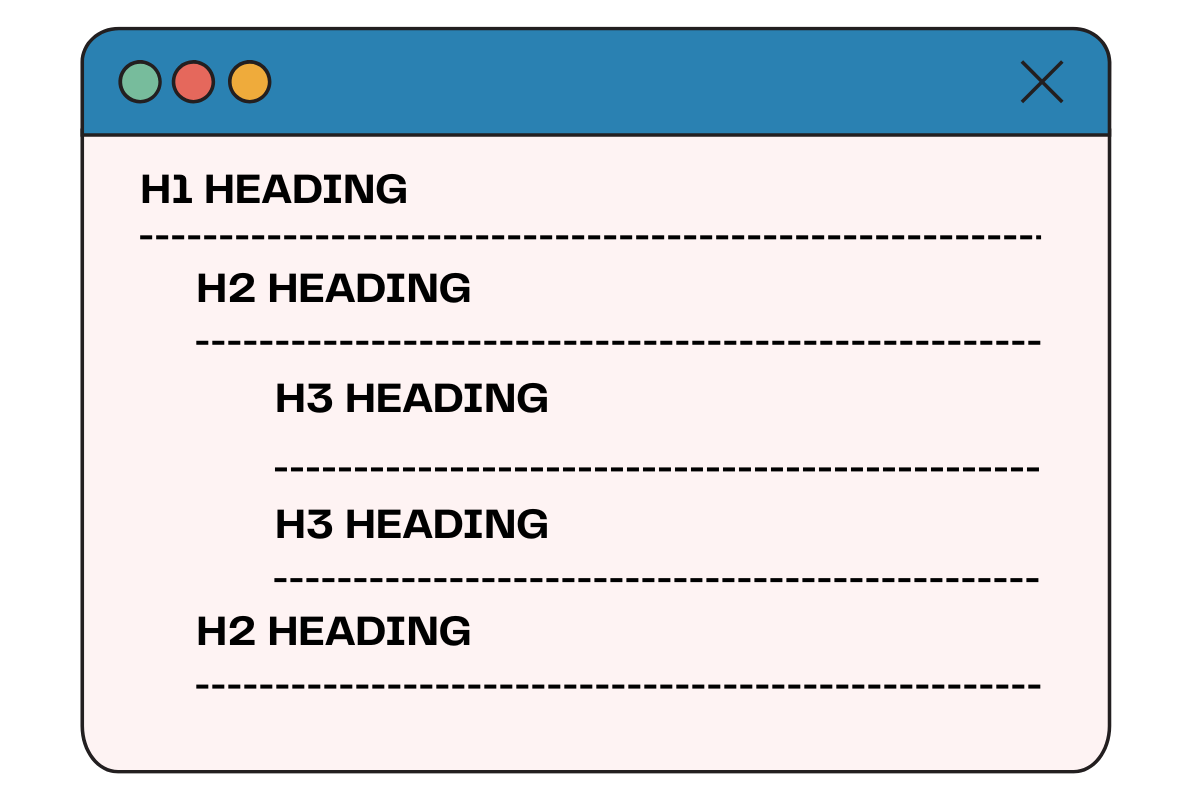
Headings should follow a hierarchy, descending order (H1 → H2 → H3). Skipping levels, like jumping from H1 to H3, breaks the logical structure that both readers and search engines rely on to understand the content.
- Example:
- Correct:
- <h2>Understanding Camera Settings</h2>
- <h3>Aperture</h3>
- Incorrect:
- <h2>Understanding Camera Settings</h2>
- <h4>Aperture</h4>
- Correct:
Naturally Include Keywords in Headings
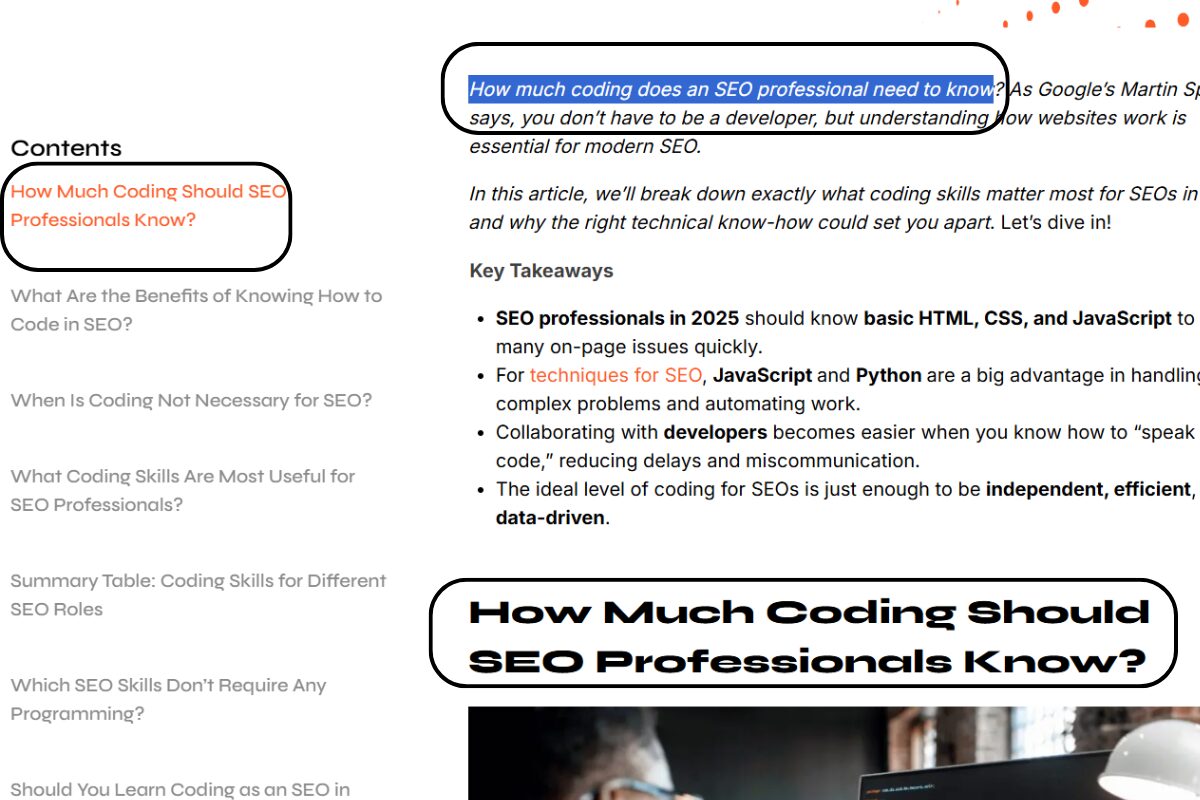
A heading with natural keywords for SEO ranking boost
Creating Keyword-rich subheadings is a powerful way to signal relevance to search engines. However, they must be integrated naturally, prioritizing clarity for the reader. Keyword stuffing makes your headings sound unnatural and can be penalized by Google.
- Example: (Keyword: “healthy breakfast ideas”)
- Correct: <h2>5 Healthy Breakfast Ideas for Busy Mornings</h2>
- Incorrect: <h2>Healthy Breakfast Ideas, Best Breakfast Ideas, Healthy Ideas</h2>
Keep Headings Clear, Short, and Engaging
Your headings need to grab attention and accurately describe the content below. A clear, engaging title encourages users to read on. Use questions, numbers, or interesting words to make them stand out.
- Example:
- Clear & Engaging: <h2>How Can You Improve Your Sleep?</h2>
- Vague & Boring: <h2>Information About Sleep</h2>
Not sure if your headings help your SEO? See how a technical audit reveals hidden issues: How to Do a SEO Technical Audit 10 Steps of a Technical SEO Audit
Common Mistakes to Avoid When Writing Headings
Messing up your headings can quietly tank your SEO and make readers bounce faster than you think. Here are the classic mistakes I’ve seen (and, honestly, made myself) that you’ll want to dodge.
Using Headings Just for Styling Without Meaning
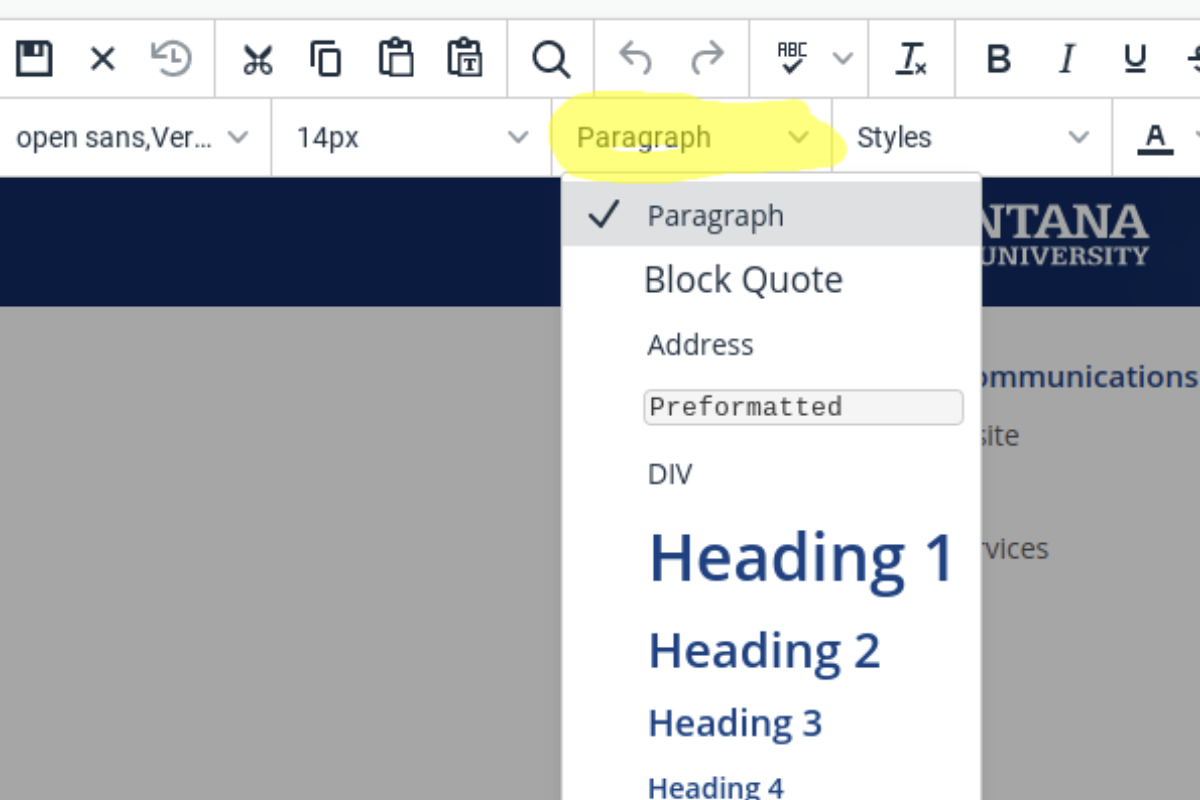
A webpage with headings misused for styling
When you use heading tags only for style, you mess up the structure search engines rely on to “read” your content. Plus, screen readers get confused, making your site less accessible.
If you want something to stand out, use CSS: change the font, make it bold, whatever. But keep heading tags for real sections and ideas, not just for visual flair.
Overstuffing Keywords in Headings
A heading like:
“Best SEO Headings, SEO Tips, H1 SEO”
is awkward, unreadable, and screams “spam.” Google’s smarter than ever, and keyword stuffing can actually hurt your rankings. Keep it natural and clear. Write for people first, search engines second.
Skipping Heading Levels
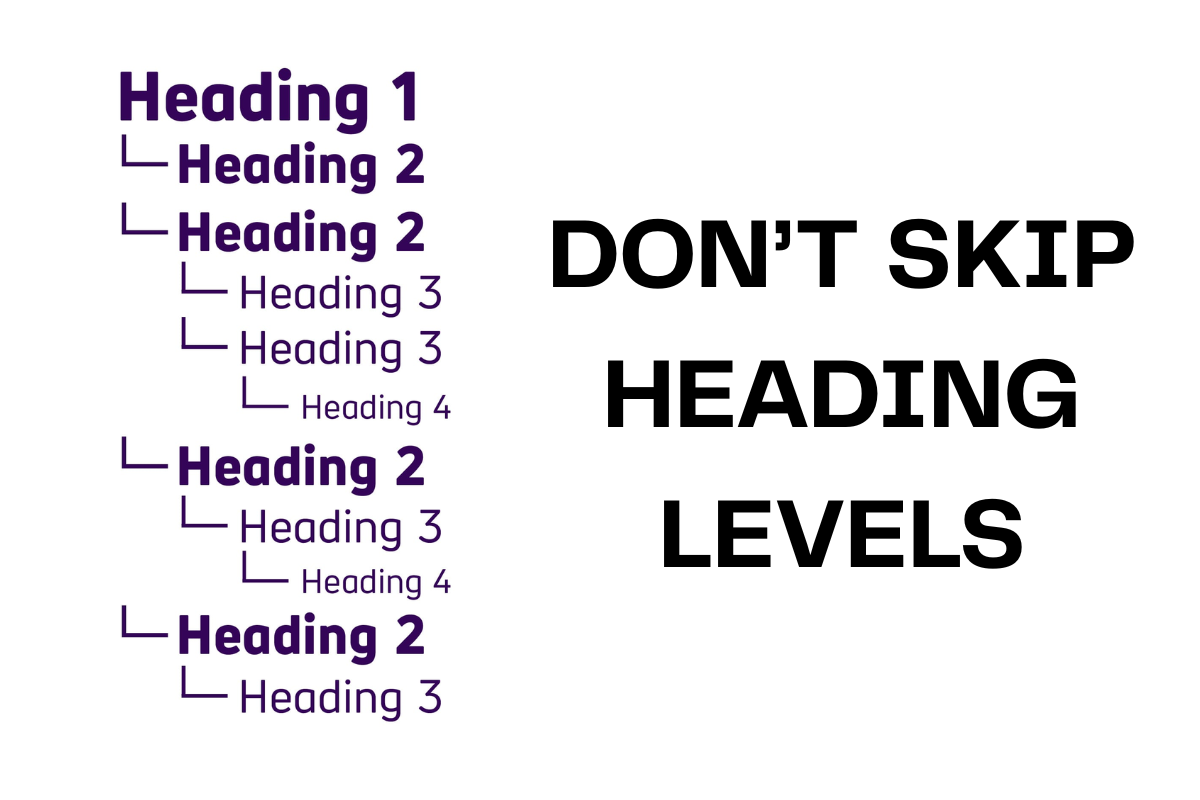
A consistent APA heading hierarchy is essential for a logical and accessible structure
This one’s sneaky. Maybe you’re in a rush and jump from an <h2> straight to an <h4>, skipping <h3>. But that breaks the logical flow of your content. Imagine reading a book where chapters jump from 2 to 4 with no 3 in between—it just feels off.
Search engines and screen readers use heading levels to create a “table of contents” for your page. If you skip levels, you’re making it harder for everyone to follow along. If you feel tempted to jump levels, it’s probably a sign your outline needs a quick rethink.
To understand more SEO structure practices, our articles are packed with useful tips and real insights:
Real Examples of SEO-Optimized Heading Structures
Let’s get practical! Seeing real outlines is the fastest way to “get” how good headings work. Here are two examples: one for a blog, one for a product page, plus a few unique notes I’ve picked up from actually building and testing these structures.
Sample Outline for a Blog Post
A blog post is intended to be informative or entertaining, often covering a specific topic in depth. The structure of the post should be easy to understand.
Blog Post Topic: A Beginner’s Guide to Digital Photography
<h1>A Beginner’s Guide to Digital Photography</h1>
<h2>What is Digital Photography?</h2>
<h2>Understanding Your Camera’s Core Settings</h2>
<h3>Aperture: Controlling Light and Depth of Field</h3>
<h3>Shutter Speed: Freezing Motion</h3>
<h3>ISO: Your Camera’s Sensitivity to Light</h3>
<h2>Essential Photography Composition Rules</h2>
<h3>The Rule of Thirds</h3>
<h3>Leading Lines</h3>
<h3>Framing Your Shot</h3>
<h2>Simple Photo Editing Tips for Beginners</h2>
<h2>Conclusion: Your Journey in Photography Starts Now</h2>
What makes this structure work?
-
Each heading answers a real question a beginner might have.
-
H3s break down complex topics into bite-sized, skimmable chunks.
-
The flow is logical: start broad, get specific, then wrap up with actionable tips.
Sample Outline for a Product Page
The goal of a product page is to sell, which means the page title should highlight the key features, benefits, and information the buyer needs.
Product: “Aura” Smart Coffee Mug
<h1>Aura Smart Coffee Mug</h1>
<h2>Keep Your Coffee at the Perfect Temperature</h2>
<h2>Key Features of the Aura Mug</h2>
<h3>Precise Temperature Control (120°F – 145°F)</h3>
<h3>Long-Lasting Battery Life</h3>
<h3>Sleek, Scratch-Resistant Ceramic Coating</h3>
<h3>Smart Control via Mobile App</h3>
<h2>Technical Specifications</h2>
<h2>What Our Customers Are Saying: Reviews</h2>
<h2>Frequently Asked Questions (FAQ)</h2>
Why does this outline convert?
-
H2s mirror what buyers actually search for (“features,” “specs,” “reviews,” “FAQ”).
-
H3s highlight benefits, making the product feel real and desirable.
-
The order builds trust: features first, then proof (reviews), then answers to objections (FAQ).
Unique tip:
I’ve found adding a “How It Compares to Other Mugs” section (with a quick table) right after “Key Features” can boost time-on-page and help undecided buyers make up their mind.
Conclusion
Article structure influences more than rankings. It affects how your content is interpreted, summarized, navigated, and ultimately converted.
Clear hierarchy improves extractability. Intent-aligned sections improve engagement. Engagement builds trust, and trust drives revenue.
If content is meant to generate conversions, your heading structure cannot be overlooked. At Golden Owl Digital, we treat it as part of our revenue-oriented SEO strategy rather than a separate element.