Local SEO is the process of optimizing a business’s visibility in unpaid, location-based search results on Google Search, Google Maps, and other search engines. For instance, it can help your Google Business Profile rank higher in the local pack, and it can boost your website’s rankings in the standard search results (the blue links).
This guide covers the question: “What is local SEO?“, how Google ranks local results, the core components of a strategy, and how to measure and budget for it.
What Is Local SEO and How Is It Different From Traditional SEO?
Local SEO, short for local search engine optimization, is the work undertaken to improve a local business’s rankings in the local search engine result pages (SERPs). In practical terms, it’s the process of optimizing a business’s visibility in unpaid, location-based search results on Google Search, Google Maps, and other search engines.
It’s the work done by or for local businesses to ensure they appear in front of potential customers who search for related terms. Many owners do this themselves, while others opt for an SEO agency or local SEO service to do it for them.
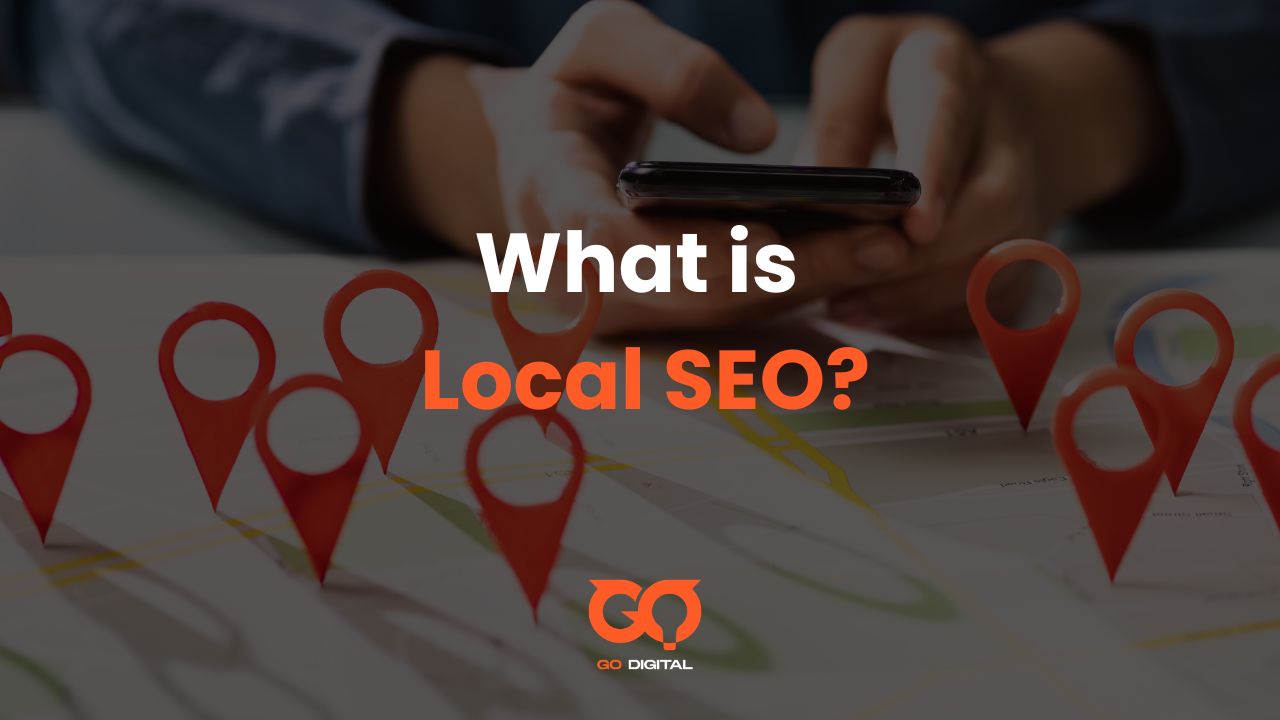
Most search results are personalized based on the user’s country. Local SEO goes beyond the country and focuses on reaching people in more specific locations, such as cities and districts. That focus benefits businesses with physical stores (like restaurants, dentists, and mechanics) and local service providers (such as plumbers, tutors, and dog walkers). Businesses with storefronts or defined service areas get the most from it, because location is part of the query.
Note that a business can rank for local searches on Google without a website, as long as it has claimed its Google Business Profile. That profile gives Google a local identity for the business.
When ranking businesses in Google Maps and the local pack, Google’s local algorithm focuses on three key pillars:
- Relevance: How well the business matches the search. Google looks at the category you’ve chosen on your Google Business Profile, other local listings you’ve built, your business description, and the content on your website.
- Proximity: Google looks at the searcher’s location when they perform the search, assuming they’re looking for a business nearby. This is what makes it a truly local algorithm.
- Prominence: How well-known and well-reviewed your business is. Since other businesses will be just as relevant and well-located, the algorithm looks at what sets the leaders apart: reviews, links to your website from reputable sources, mentions in the press, and so on.
Traditional SEO vs Local SEO
The most significant difference between local and traditional SEO is how each targets audiences. Traditional search engine optimisation focuses on ranking for broad keywords, where you compete nationally, sometimes globally. Local SEO shares some of that DNA, but it adds a whole extra layer of geographic signals.
| Traditional SEO | Local SEO |
| Targets broad, national keywords | Targets location-specific searches |
| Focuses on organic rankings | Focuses on Maps, Local Pack, and local organic |
| Content quality and backlinks matter most | Proximity, reviews, and local citations are crucial |
| Competition is national/global | Competition is other local businesses |
| Website is the main focus | Google My Business profile is central |
Key Benefits of Local SEO
A successful local SEO strategy translates into measurable business growth. Key benefits include:
- Better online visibility
- More in-store foot traffic
- Targeted web traffic
- More calls via GBP
- Enhanced trust levels
- More sales
That value rests on how often people use search engines to find nearby businesses:
- 30% of all mobile searches are related to location.
- 78% of people who search for something nearby on their phones visit the business within a day.
- 28% of searches for something nearby result in a purchase.
- Customers are 70% more likely to visit businesses with a complete Business Profile, and 50% more likely to consider buying from them.
- 46% of all search queries have local intent.

The local pack appears within standard Google search results, but separate algorithms control the map pack and the main organic listings. This means you can show up in both places for one search, giving you double the visibility.
The Growing Impact of AI in Local Search
Artificial intelligence (AI) and generative engine optimization (GEO) are changing how businesses approach local search, and a growing share of local searches now happens through AI tools like ChatGPT, Perplexity, and Gemini.
Generative engines can interpret the local intent behind searches, understanding what people need even when they don’t mention a location. AI can recognize that someone searching for “best breakfast spot” probably wants results near them, not across the country.
Here’s how to put AI to work for local search:
- Scale local content: GEO can generate location-specific meta descriptions, FAQ sections, and localized copy for each market you serve, rather than writing generic copy by hand.
- Audit your online presence: AI can scan local directories, identify inconsistencies in your address and phone number across platforms, and recommend updates. For businesses managing multiple locations, this saves hours of manual checking.
- Structure your data: AI helps structure your business data so local search engines can read and display it in Google Maps and search results.
- Analyze reviews: AI can analyze customer feedback to identify trends and help you craft thoughtful responses.
Imagine a tourist asks an AI assistant, “Where can I get a good coffee and work for a few hours?” The AI analyzes your reviews for mentions of “good wifi” and “quiet atmosphere,” checks your GBP for photos of tables and power outlets, and notes your hours to confirm you’re open. Optimizing for these details is how you become the AI’s top recommendation. Many local SEO tools now include AI features that streamline citation management and content optimization.
The Core Components of a Local SEO Strategy
Local SEO involves optimizing for the local pack and the regular “blue link” organic results. To do this, you optimize for local ranking factors.
Some of these tasks are quick, like claiming your GBP and picking your categories. Others need to be performed consistently over a long period, like review management or link building. Optimising all these parameters is the secret to a good ranking in local organic results, the Local Finder, the Local Pack, and Google Maps.
Your Google Business Profile Is Your Digital Storefront
Your Google Business Profile is the single most important local SEO asset. It’s the free listing that appears when people search for your business or related services on Google and Google Maps, and it’s how your business shows up in the map pack. 36% of SEOs consider it the most important ranking factor for the map pack.
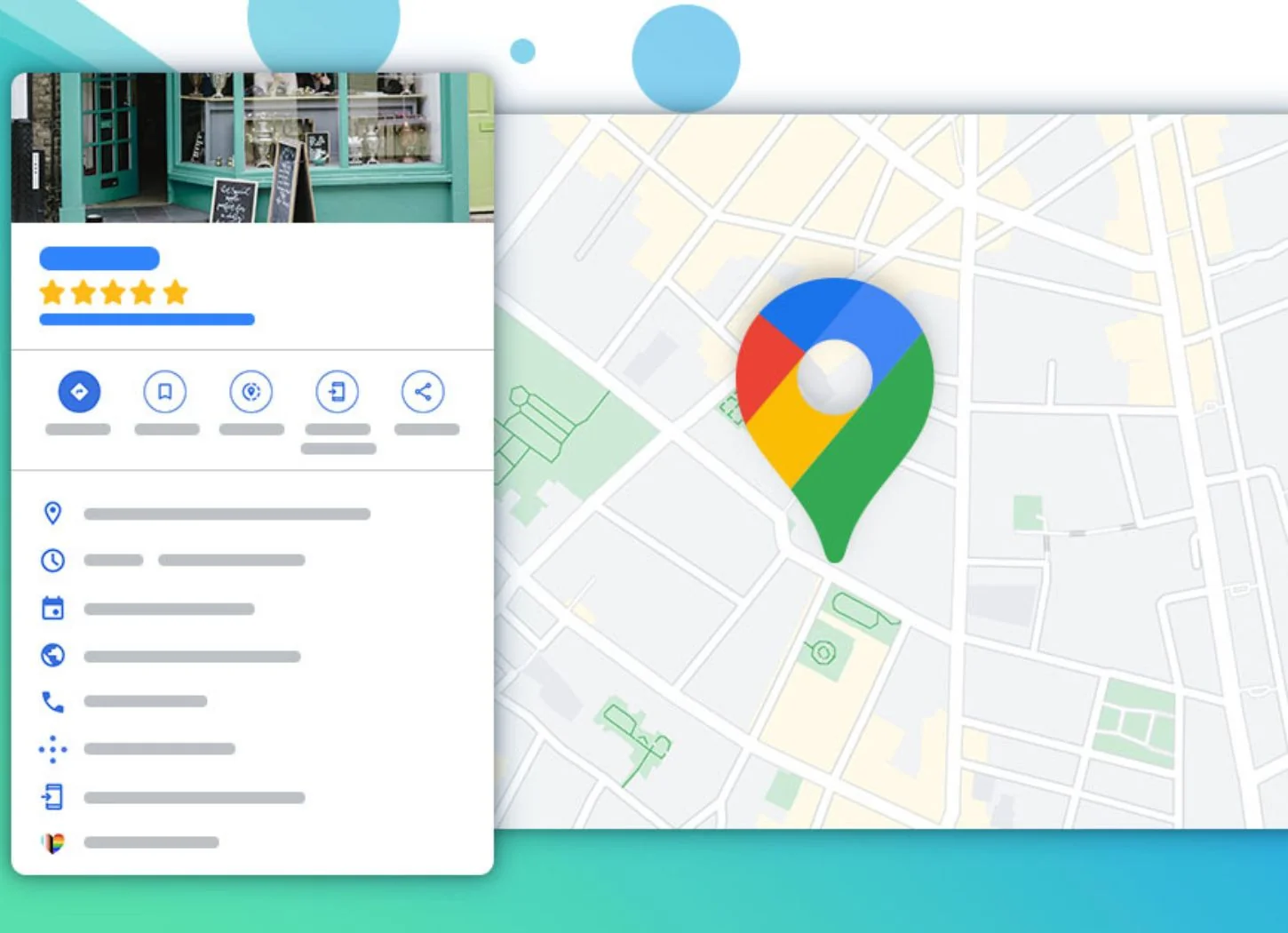
Before anything else, claim and verify it:
- Go to business.google.com
- Search for your business. If it exists, claim it; if not, create a new one.
- Verify ownership (usually via postcard to your business address).
A GBP is how Google understands your business, from the category you select through to the reviews you get. Once verified, optimize it:
- Choose the most specific primary category, then add additional categories.
- Provide full details: contact information, opening hours, photos and videos, and business attributes.
- Add your address (if you have a storefront) or set your service area (if you visit or deliver to customers).
- Add the products or services you offer directly to your listing.
Keep the listing complete and current with accurate hours, fresh photos, and updated business information. Post regular Google updates about news, events, and offers, and use attributes to give more information about your business. Keeping details updated, like holiday hours or a new address, is one of the best ways to stay active and maximize your visibility.
The most common and damaging mistake is setting the wrong primary category, for example listing your business as a “Restaurant” when you are a “Cafe,” or a “General Contractor” when you are a “Plumber.” This single choice tells Google what your business is, and a category that is too broad or inaccurate will cost you your most relevant, valuable customers.
Optimizing Your Website for Local Searches
Local keyword research for local SEO involves finding the search terms people use when looking for local products and services, then creating or updating relevant pages with these keywords. Start by compiling a short list of keywords people might use to find your business, then use these methods:
- Brainstorm seed terms: List your main services (e.g., “emergency plumbing,” “kitchen remodel,” “AC repair”).
- Use Google Autocomplete: Type a service followed by your city (e.g., “AC repair Chicago”) and note the phrases Google suggests. Predictions partly depend on location, so this surfaces valuable long-tail keywords.
- Check “People Also Ask”: After you search, look for the “People Also Ask” box for question-based keywords to target.
- Leverage Google Keyword Planner: Designed for paid search, it’s also useful for discovering new business-related keywords and provides monthly search data for specific locations.
Refine your on-page SEO to rank higher in organic results, which improves your chances of appearing in the local pack:
- Include local keywords in title tags and meta descriptions.
- Add specific location pages to emphasize local services.
- Use internal linking where relevant.
- Mention geo-targeted keywords, for example “replacement car tires in lincoln park” or “manicure in lincoln park.”
Local search terms often differ from national ones, so understanding your specific market helps you match local intent. Once you identify these terms, incorporate them naturally throughout your website content, meta descriptions, Google Business Profile description, and posts.
Your website content is the foundation of your local search visibility. Create location-specific web pages for each location with unique, valuable content that addresses what local customers actually need. Since most local searches happen on smartphones when people need immediate solutions, your site must load quickly and function seamlessly on phones and tablets. Use Chrome Lighthouse to check performance, and implement local business schema.
Schema markup is code that helps search engines better understand a business’s information. Think of it as a clear, standardized price tag on your website’s information: it helps Google read your address, hours, and services instantly, without having to guess.
Building Consistent Citations and Maintaining NAP Accuracy
Citations are online mentions of your business’s name, address, and phone number (NAP) that appear in business directories and on social media profiles. The more consistent NAP citations Google finds, the more confident it becomes that your business is legitimate and reliable.
Consistency is critical. Your citations should match exactly everywhere they appear. If your business is listed as “Joe’s Pizza” on one site and “Joe’s Pizzeria” on another, or if your phone number or hours vary between listings, search engines get confused about which information is correct. 62% of consumers would avoid using a business if they found incorrect information online.
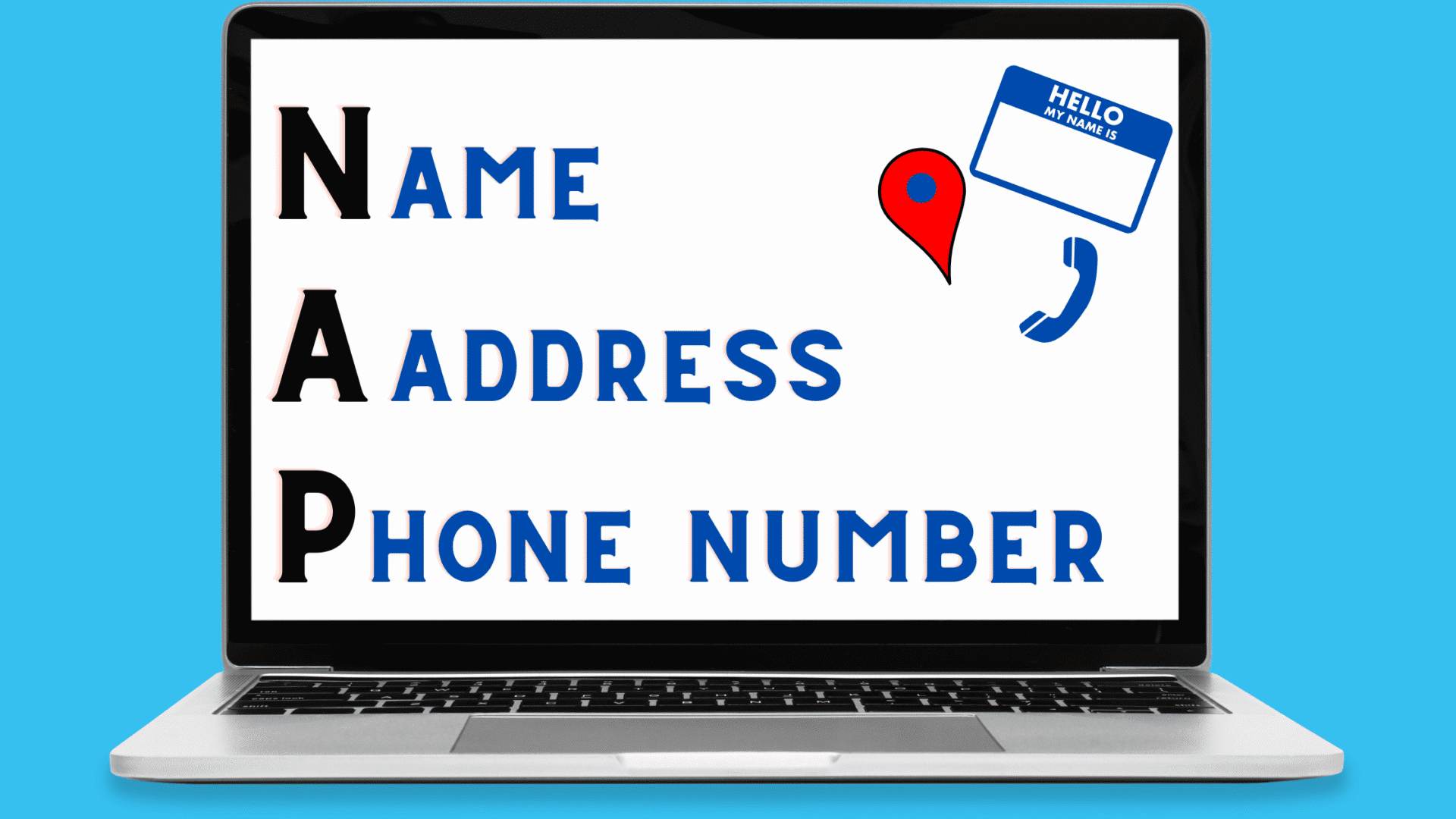
There are two types of citations:
- Structured citations are formal business listings in online directories such as Google Business Profile or Yelp, displaying your NAP details in a standardized format.
- Unstructured citations include your NAP details but appear on non-directory sites such as blogs, news articles, or other third-party sites.
While there are hundreds of directories, focus on the most impactful ones first and ensure your information is 100% correct on these core platforms:
- Google Business Profile
- Bing Places
- Apple Maps
- Yelp
- Nextdoor
- Your local Chamber of Commerce
- Key industry-specific directories (e.g., TripAdvisor for hospitality, Houzz for home services)
Managing Your Online Reviews and Reputation
Reviews provide social proof, validate your expertise, and instill confidence in potential buyers. 17% of SEOs deem reviews the most important ranking factor for map pack rankings, and review quantity, average rating, and response rate all influence local rankings. Aim to get reviews on Google, as they’re visible in search results and directly influence rankings.
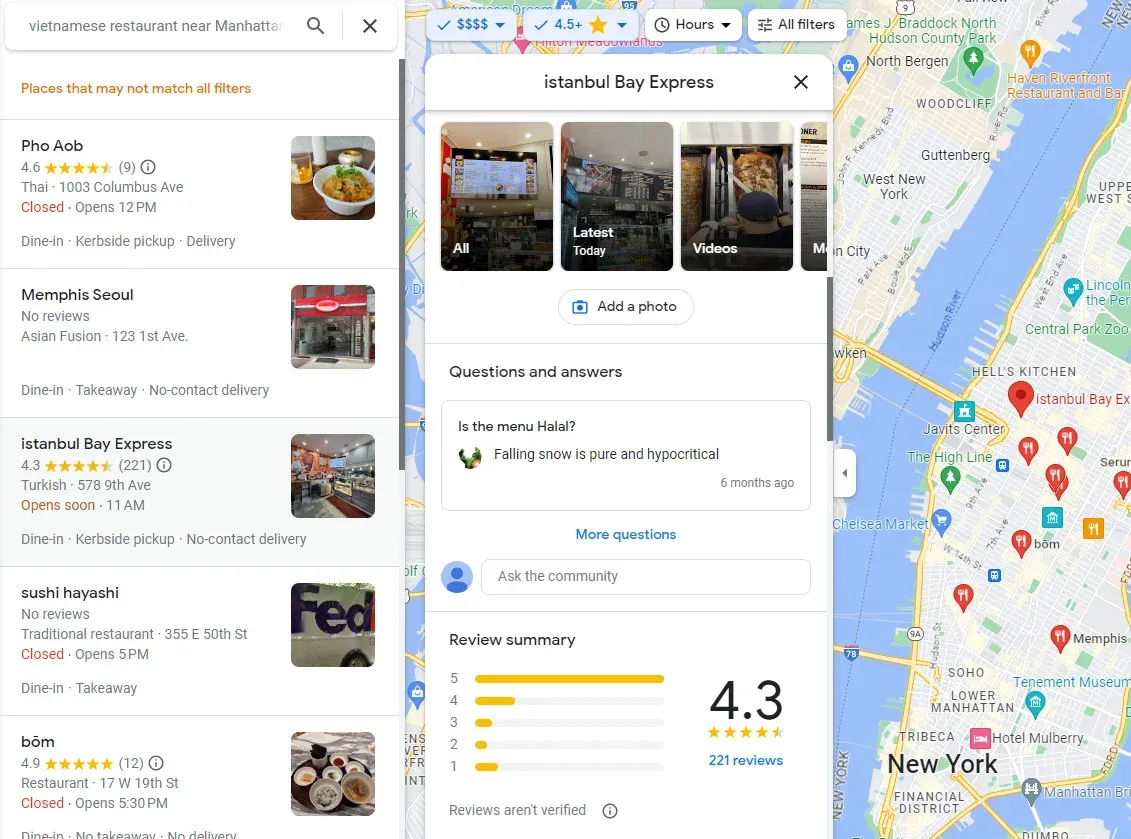
To generate reviews:
- Ask satisfied customers to leave reviews on your preferred platforms.
- Use posters or business cards with QR codes for easy access.
- Share a direct link to your Google review page.
- Embed widgets on your website that make it easy to view and leave reviews.
- Never offer or accept money for reviews (it violates Google’s terms).
Always reply to reviews, whether positive or negative. A negative review is an opportunity to demonstrate your professionalism, so follow this 4-step process:
- Acknowledge and thank: Thank them for their feedback, even if it’s harsh (e.g., “Thank you for taking the time to share your experience.”).
- Apologize and empathize: Apologize for their negative experience and show you understand their frustration (e.g., “We’re very sorry to hear that your visit did not meet expectations.”).
- Take it offline: Provide a direct contact method to resolve the issue privately (e.g., “Please contact our manager, [Name], at [email/phone].”).
- Keep it brief: Stay concise, professional, and focused on resolution rather than a public back-and-forth.
Earning Links from Other Local Websites
Backlinks are links from other sites to yours, and they’re a strong ranking signal in Google’s algorithm. 31% of SEOs deem links the most important signal for ranking on regular organic search. Generally, getting links from domains more relevant to you increases your chances of ranking higher for your keywords.
Some local link-building tactics:
- Reach out to local (non-competitor) businesses for links.
- Contact local newspapers and websites to share stories.
- Support or sponsor local events that may result in backlinks.
- Create helpful articles. If you write a good, helpful article, people will link to your website.
The key is to be genuine and propose mutual value. Here’s a simple outreach template:
Subject: Local Partnership Idea – [Your Business Name] + [Their Business Name]
Hi [Their Name],
My name is [Your Name], and I’m the owner of [Your Business Name], just down the road. I’m a big fan of what you do at [Their Business Name].
I’m putting together a resource on our website about the best local businesses in [Your Neighborhood/City], and we’d love to feature you. Would you be open to us including a mention and a link to your website? We think our customers would really appreciate the recommendation.
Thanks, [Your Name]
Advanced Strategy for Multiple Locations
If you have several business locations on the same website, you need a clear way for people to find the one they need. A single location is easy, since your homepage can do a lot of the heavy lifting. Once you have a few locations, or you’re a service area business, your homepage should stay more general, using city or state-based keywords rather than borough or small-town ones, while still explaining the broader business.
Make your location pages part of your broader content marketing strategy rather than thin lists of an address and hours. When a page offers only that, visitors and search engines get little context.
This strategy looks different for franchises versus corporate-owned chains. In a franchise model, the corporate team provides the shared infrastructure while local operators contribute market-specific knowledge. For example, the storage company Go Mini’s supported its 114 franchise locations with a central marketing team of just 6 people. This team managed the core system, including 85 active local child accounts, while franchisees customized promotions for their own areas. This hybrid approach contrasted sharply with its main competitor, which became fully corporate-owned and centralized all marketing control.
Create Unique Pages for Each Location or Service Area
Create a dedicated page for each area you serve, and optimize it for “[keyword] in [location]” as a bare minimum. A single “Contact Us” page isn’t enough once you serve customers in multiple towns, cities, or counties, have physical locations in different areas, or want to rank for “[service] + [location]” queries beyond your primary area.
Each location page should be a mini-homepage for that specific area. Follow this structure:
- H1 Title: [Service] in [City, State] (e.g., “Expert Plumbing Services in Galway City”).
- Introduction: A brief paragraph mentioning the specific location and the services offered there.
- Location-Specific NAP: The full Name, Address, and Phone Number for that location.
- Embedded Google Map: A map showing the physical location or service area boundary.
- Local Testimonials: 1-3 reviews from customers in that specific area.
- Local Content: Mention local landmarks, neighborhoods served, or projects completed in the area to prove your local connection.
- Call to Action: A clear button or form for that location (e.g., “Request Service in Galway”).
Don’t create 50 identical pages with just the town name changed. That’s thin content, and Google sees through it. Each page should be genuinely useful to someone in that local area.
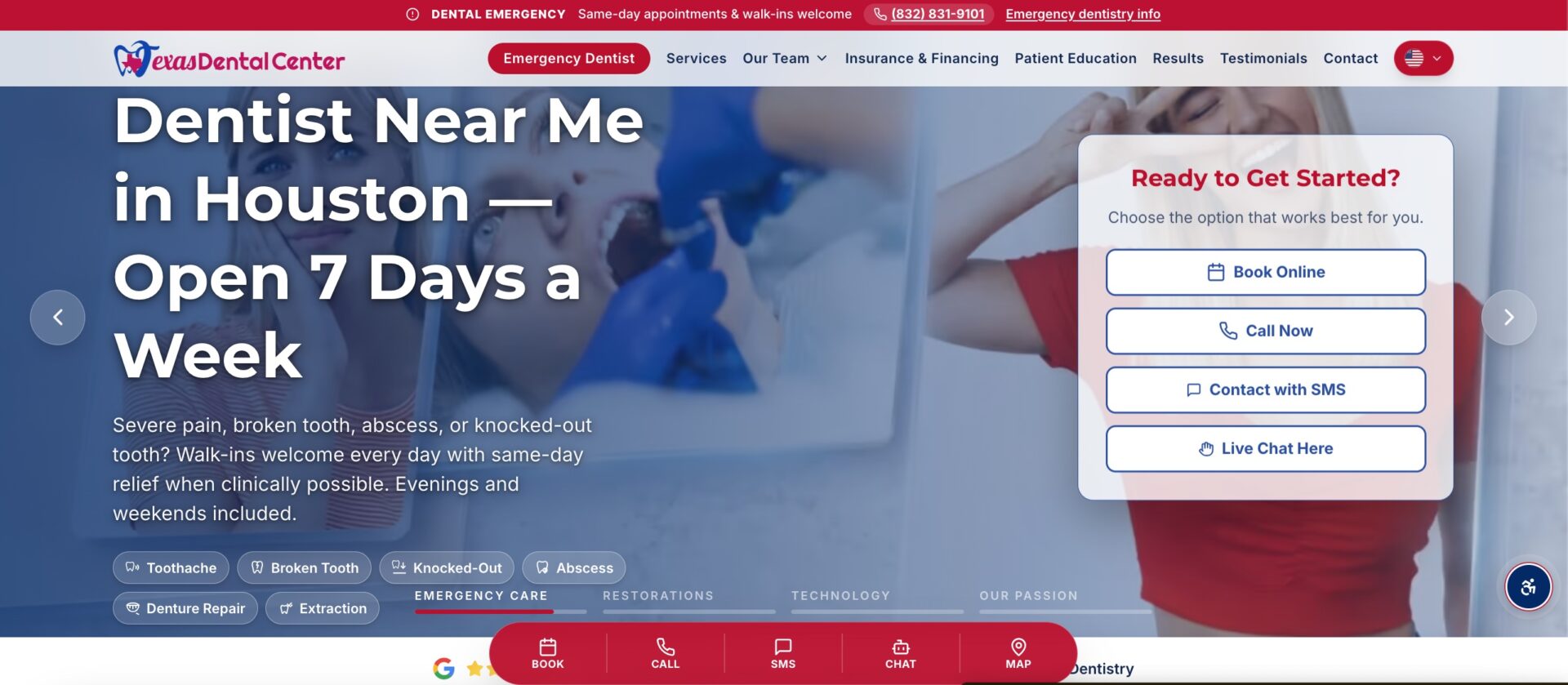
This matters most if you have multiple physical locations. Google’s guidelines state you can only have one Business Profile per location if it has separate staff and a separate service area. To avoid overlap, define each location’s service area to be within about 2 hours of driving time from the business itself, so each profile and its corresponding page serves a distinct, non-competing territory.
There’s no maximum or minimum number of pages. The rule is simple: create one location page for each location genuinely relevant to your business. If you serve two towns, create two pages. If you serve 10+ cities, use your budget and business priorities to decide which locations to focus on first, prioritizing the most profitable or highest-potential ones.
Develop Content That Shows Local Expertise
Creating localized content increases your overall authority and helps Google understand that you’re truly the expert in that area. This is especially useful in highly competitive markets. The type of content varies by niche:
- Law: For a law firm, consider laws in your state or city that are unique and write a guide to help people understand them, such as “Divorce law in Texas.” If someone searches for those differences, you want to be the site they find.
- Real estate: Create area guides that sell why a specific area is good to move to. Roundups of coffee shops or features on schools in those areas work well.
Add genuine value with local market insights, area-specific services, customer testimonials from that location, and content that demonstrates your understanding of the local community.
Aim for a consistent publishing schedule you can sustain long term. A good starting point for most local businesses is 2-3 quality articles per month, which builds topical depth and results in roughly 24-36 pieces over 12 months without overwhelming your resources. To find ideas systematically, use 5 key sources: Google Trends (to see what’s popular in your region), your most frequently asked customer questions, local events, related but non-competitive niches, and the unique characteristics of your area or services.
Analyzing Your Local Competitors
Once you’ve seen who ranks for your keywords, study how they’re doing it to gauge how quickly you can compete and where your quick wins are. When you look at a competitor’s GBP, check for these common weaknesses:
- Incomplete profile: Missing hours, attributes, or service descriptions.
- Low-quality photos: Few, blurry, or non-representative images.
- Unanswered questions: Check their Q&A section for unanswered customer questions.
- Stale posts: No recent Google Posts, or a last update months old.
- Poor review management: A low rating, or a failure to respond to negative reviews.
The businesses competing with you online might differ from the ones on your street. Analyze competitors across three distinct search result sections (Google Maps, the local pack, and the main organic results), as each can show a different set of rivals. To keep research focused, start with 3-5 of your most important keywords and limit your analysis to the top 5-10 competing URLs for each.
Other Tactics like Spam Fighting and Community Engagement
Beyond the core work, other tasks to consider include monitoring changes to Google’s algorithm or SERPs, engaging with your local community, and creating social media profiles and actually using them.
Fighting spam is also worth your time. To report an individual suspicious listing, use the “Suggest an edit” feature on Google Maps, select “Place is closed or not here,” then “Offensive, harmful, or misleading.” For a larger pattern of fraudulent activity, such as misleading business names, phone numbers, or URLs across multiple businesses, use Google’s Business Redressal Complaint Form. This form lets you report 10 or more profiles at once, either by listing them directly or submitting a spreadsheet of the relevant profile URLs.
Measuring Performance and Budgeting for Local SEO
Assess how your work is going regularly, since local keyword rankings can change often for various reasons. Declining rankings reduce site traffic and can harm your business, so monitoring progress is essential.
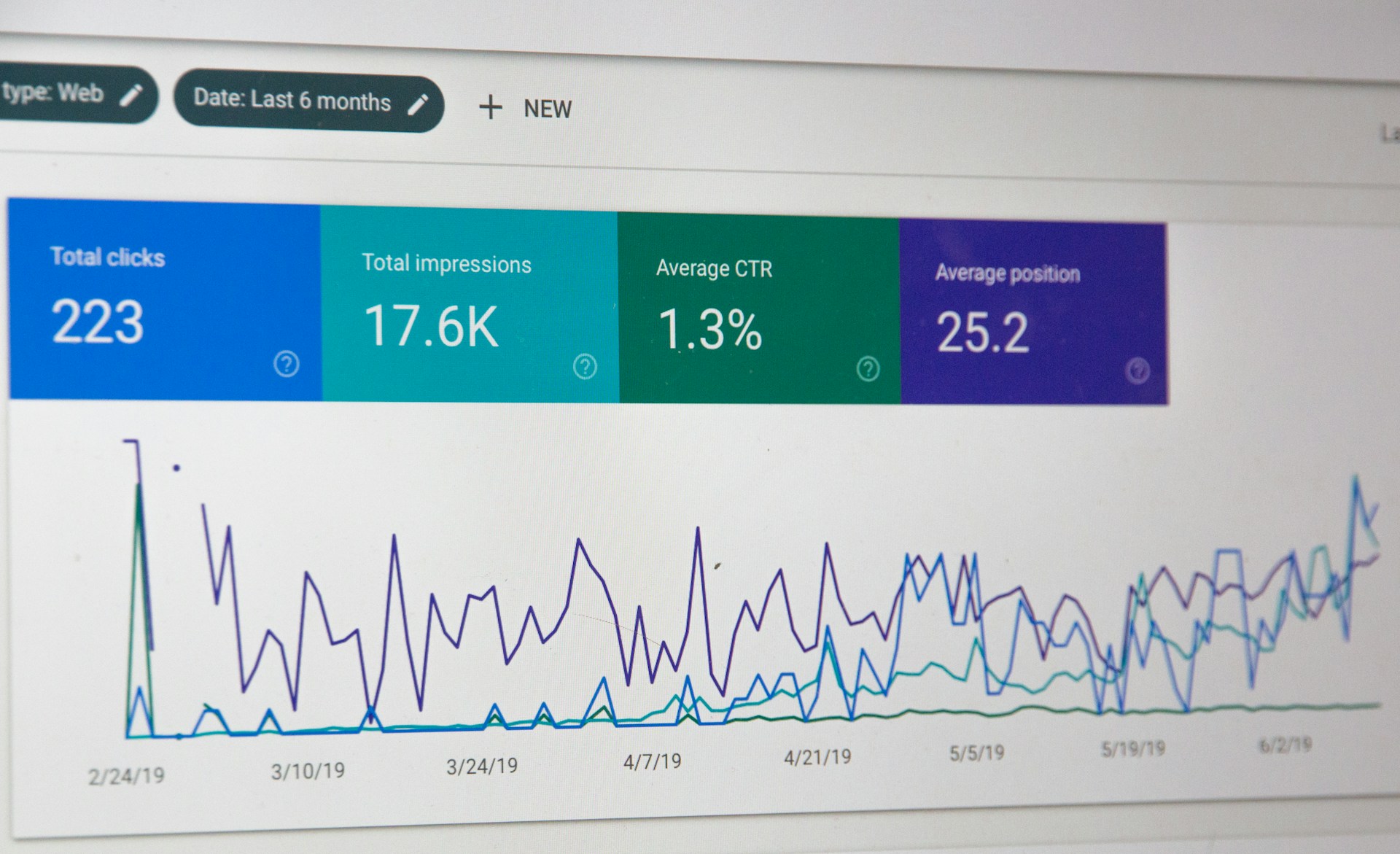
Start with these free tools: Google Business Profile Performance, Google Search Console, and Google Analytics 4. Track your rankings in both Google Maps and standard Google Search.
Key Metrics to Track for Local SEO
Track the metrics that show whether your local visibility is improving:
- Searches: The total number of searches your listings appeared in. A good indicator of your local SEO progress.
- Views: The number of views of your photos and Google Business Profile. The higher it is, the easier you are to find.
- Clicks and actions: Clicks to your site, itinerary requests, and calls made from your listings. Every one of these actions is a potential conversion happening without the customer needing to scroll through your website.
What to Expect and How Long It Takes
Local SEO can show results in weeks to months, while traditional SEO can take months to years. The main tradeoff is between speed and cost: a larger budget often produces faster results, but a patient, consistent approach can win over time with more modest spending.
| Timeframe | Activity | Result |
| 2-6 weeks | Quick wins from Google Business Profile optimisation | Increased impressions, calls, directions |
| 2-3 months | Citation building and NAP consistency taking effect | Better local search rankings |
| 3-6 months | Meaningful movement in Local Pack and organic | Consistent traffic to your business |
| 6-12 months | Results in competitive niches (solicitors, dentists) | Overtaking established competitors |
Understanding the Typical Local SEO Cost and Service Pricing
Based on research from firms like Backlinko, Ahrefs, and WebFX covering about 1,000 people, you can expect to pay between $100 and $3,000 per month for ongoing local SEO services. If you prefer to hire someone for specific tasks, hourly rates typically fall between $50 and $100.
A simple framework for choosing a service:
- One-time setup project ($500 to $1,500) works if your online presence is brand new or messy.
- Monthly retainer ($300 to $1,000+) is usually necessary if you’re in a competitive market and need to actively grow.
To see what a premium package entails, BrightLocal’s managed service costs $1,299 per month. That price includes over 14,000 words of unique content, more than 10 city or service-area pages per month, 6 YouTube videos, 25 foundational citations in the first month (and 10 new ones each month after), plus daily GBP management, review responses, spam fighting, competitor monitoring, and monthly backlink building.
Essential Tools for Managing Local SEO
Most of the tools you need to start are free:
- Google Business Profile (formerly Google My Business) is how you manage your listing. It’s completely free and every local business owner should use it.
- Google Search Console is free and helps you monitor, maintain, and fine-tune your site’s presence in search, including how Google views and crawls your pages.
- Google Analytics tracks website visitors and behaviour.
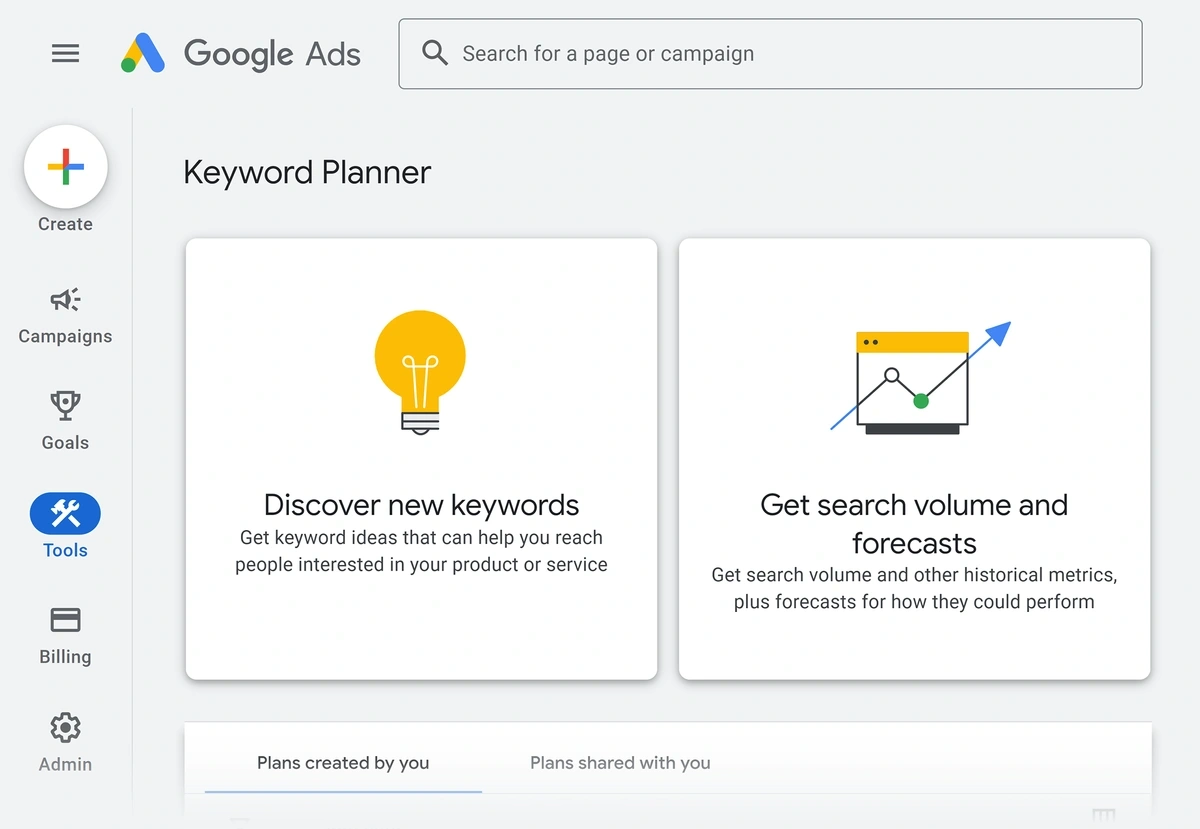
- Google Keyword Planner is designed for paid search but is also useful for discovering local keywords and monthly search data for specific locations.
As you get more serious, paid tools add tracking and automation:
- Position/Rank Trackers monitor keywords and rankings at the ZIP code level and in local packs. Rank Tracker lets you track up to 10,000 keyword rankings by country, state, city, and ZIP/postal code. Geo-grid rank trackers visualize how you rank across a map based on search location.
- Listing Management tools add your NAP details, submit to dozens of directories, and manage reviews from one place.
- Yext syncs and manages business information across multiple listings, useful for keeping citations consistent.
- Whitespark is excellent for local citations.
- BrightLocal helps automate audits.
If you can only afford one paid tool to start, BrightLocal is an excellent choice. It combines several key functions at a reasonable price: track local rankings, manage reviews, audit citations for consistency, and monitor overall local SEO performance.
Pricing varies by function and billing model. Citation-focused services charge per listing, with BrightLocal at $3.20 per listing and Whitespark at $4 to $5 per listing. Broader platforms use subscriptions: Semrush’s location-based tracking is $20 per month per location, while Yext comes in at $499 per year.
A Local SEO Checklist of Common Mistakes to Avoid
Work through this checklist and address the basics before they grow into bigger problems:
- Not claiming your Google Business Profile: The number one missed opportunity. Your profile might already exist, and if unclaimed, you have zero control over the information shown.
- Inconsistent NAP across directories: Old phone numbers or different address formats leave search engines unsure which details are accurate, which erodes trust.
- No location-specific content: A website that says “We serve all of Ireland” but names no specific town gives Google nothing to work with for local rankings.
- Ignoring reviews: Not asking for them, or not responding to negative ones. Silence reads as indifference.
- Keyword stuffing business names: “Best Plumber Dublin Emergency 24/7” violates guidelines and causes suspensions. Use local keywords in descriptions instead.
- Treating local SEO as one-off: Competitors keep earning reviews and building citations monthly. Standing still means falling behind.
- Offering incentives for reviews: Against Google’s guidelines and can get reviews removed.
Real-World Case Studies with Local SEO Examples
Local SEO delivers for businesses of every size, from single locations to multi-office companies.
A new local cafe had great coffee but was invisible online. Optimizing their Google Business Profile with high-quality photos of food and seating, adding the full menu, and encouraging their first happy customers to leave reviews changed that fast. Within a month, they saw a significant increase in people clicking for directions from Google Maps and a steady stream of new customers mentioning they “found them on Google.”
A real estate company ran four New York offices independently, with different profile information, inconsistent posting, and no systematic review management, so performance varied wildly between locations. After deploying the same solution across all four offices, profile information was standardized, posting became consistent, and review responses went from days to under an hour. The results:
- Qualified leads: 156% more
- Locations in top 3: 4/4
- Time to full-scale results: 12 weeks
Fischer Plumbing, a single plumbing business in Germany with just the owner and two technicians, had gone 17 years with no website and was getting only 10-12 inquiries a month. After launching a new website and a local SEO campaign, its main keyword ranked #4 within 12 months, monthly inquiries grew to between 40 and 50, and new-customer revenue jumped from approximately $4,000 to $14,000 per month.
Frequently Asked Questions
What is the difference between Local SEO and Traditional SEO?
Traditional SEO tasks help a website rank in non-localized searches for broad, national keywords, competing nationally or globally. Local SEO tasks help a real-world business rank for a local search, targeting Google Maps, the Local Pack, and local organic results.
Traditional SEO puts the website at the center and weighs content quality and backlinks most; local SEO puts the Google My Business profile at the center and weighs proximity, reviews, and local citations.
What is the role of Google Business Profile in Local SEO?
Google Business Profile is one part of local SEO, but the strategy is much broader. It also includes your website’s local content, directory listings, reviews across platforms, local link building, and technical factors. Think of your Google Business Profile as the centrepiece, and local SEO as the entire strategy supporting it.
A complete, up-to-date, and verified listing is very important, and a business can even rank locally without a website as long as it has claimed its profile.
Can I do Local SEO myself, or should I hire a professional?
Yes, you can do the fundamentals yourself: claiming and optimising your Google Business Profile, fixing NAP across business directories, asking customers for reviews, and creating location-specific content. Professional help adds the most value with competitive analysis, technical fixes, link building, and long-term strategy. Start with what you can do yourself, and bring in help when you hit a ceiling.
How much does Local SEO cost?
A basic one-time setup (profile optimisation, citation building) might cost $500 to $1,500. Ongoing management typically runs $300 to $1,000+ monthly, and hourly rates for specific tasks usually fall between $50 and $100.
In short, what is local SEO? It is the work that separates website optimisation from the work connected to a particular place. Google Business Profile, local citations, business directories, reviews, local links, and technical elements each do a different job.
You can start some of it yourself. Other parts call for professional help. The level of competition determines how much work is needed.