Many small businesses are quietly overspending on SEO tools they barely use. According to a Gartner survey, only around 49% of tools are actively used in the martech landscape. That gap shows up quickly in smaller teams, where every tool is supposed to justify its cost but often doesn’t.
This guide breaks down the best SEO tools for small businesses based on how they actually perform in real workflows. Instead of ranking tools, we focus on helping you understand which ones fit your stage, your budget, and how your team works.
Key Takeaways
|
Why Do Small Businesses Need SEO Tools?
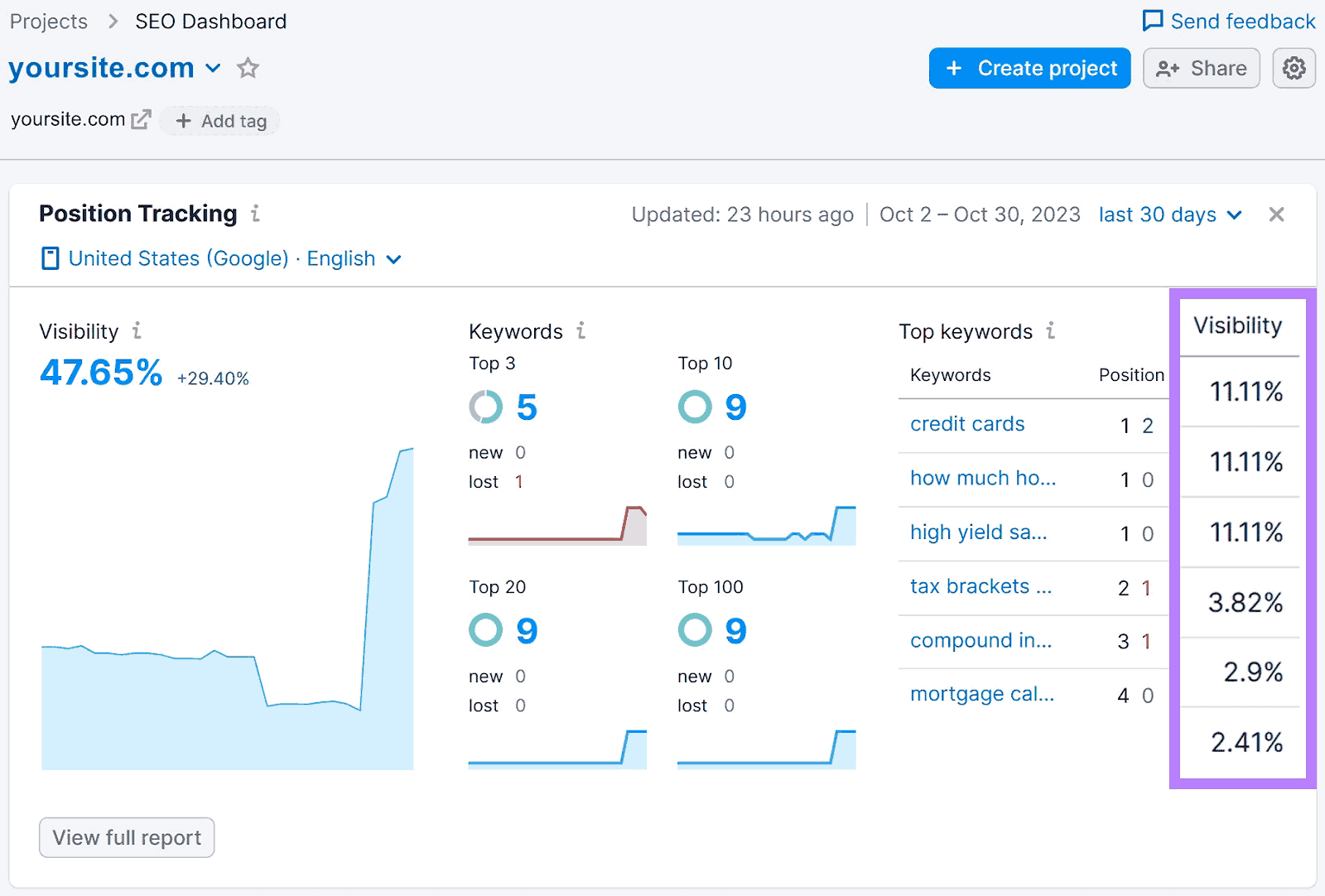
Small businesses often have limited marketing budgets. SEO tools provide a cost-effective way to get more customers. Here’s why small businesses need SEO tools, and why finding the best SEO tool for small businesses is so important:
- Boost Visibility: SEO tools help your website rank higher on Google. This means potential customers find you easily, driving more traffic to your site.
- Cost-Effectiveness: Unlike paid ads, organic traffic from SEO is free long-term. An initial tool investment leads to “free” customers once you achieve high rankings.
- Actionable Insights & Data: Tools provide specific data on audience behavior and competitors. This helps you optimize strategies, fix issues, and adapt quickly to the market.
- Improved User Experience & Website Health: SEO tools audit your site for issues like slow speeds or broken links. A fast, user-friendly site ranks better and keeps visitors happy.
- Competitive Advantage: Analyze competitor strategies to find strengths, weaknesses, and opportunities. Understanding rivals helps you build a superior strategy and outperform them.
To learn more about how SEO can be a game-changer for small businesses, check out our detailed discussion in the article Is SEO Worth It for Small Businesses?.
Criteria for Choosing SEO Tools for Small Businesses
A checklist for selecting the perfect SEO tool for your business
Choosing the right SEO tool comes down to your specific needs and budget. Here are the 4 main criteria to consider when selecting the best SEO tool for small businesses:
- Cost & pricing packages: Many excellent options offer free versions, free trials, or low-cost plans specifically designed for smaller operations. It provides clear value and a good return on investment, even at lower pricing tiers, allowing new businesses to invest in essential capabilities.
- Ease of use: If you are just starting with SEO, the tool you choose should be extremely easy to use. A user-friendly interface with a clear dashboard and easy-to-understand reports will save you time, allowing you to focus more on actual SEO.
- Essential features: SEO tools should have core features like keyword research, competitor analysis, rank tracking, backlink analysis, and site audits to detect technical issues. These features are the foundation for your website to perform well and compete effectively.
- Customer support & community: Good customer support is important when you run into problems or have questions about specific features. A strong user community or helpful tutorials and training materials available can provide additional support and insight from experienced users.
How We Chose The Best SEO Tools for Small Businesses
Before we get into the list, a quick note on how these tools were selected.
This is not a ranked list. There is no single “best SEO tool” for every small business. Each tool here solves a different part of the SEO process, and the right choice depends on your goals, budget, and how your team works day to day.
We selected these tools based on a few practical filters we use in real projects:
- Relevance to small business workflows
Each tool addresses a clear, common need, whether that is keyword research, technical audits, or content optimization.
- Balance between cost and actual value
We looked at whether a tool delivers meaningful insights relative to its price, not just whether it is cheap.
- Usability without a large team
Tools that require heavy setup or dedicated specialists were deprioritized. Most small teams need something they can start using quickly.
- Coverage across the SEO workflow
The list includes tools across key areas:
- Analytics and performance tracking
- Keyword research and competitor analysis
- Technical SEO
- On-page and content optimization
- Adoption and reliability
Most of these tools are widely used, which usually means more stable data, better documentation, and fewer surprises.
The goal is not to pick one tool, but to understand which combination makes sense for your current stage and avoids paying for overlapping features you will not use.
11 Best SEO Tools for Small Businesses in 2026
Here are some of the top digital marketing tools that can help your business thrive online. These tools cover various aspects of SEO optimization for small enterprises.
1. Google Analytics
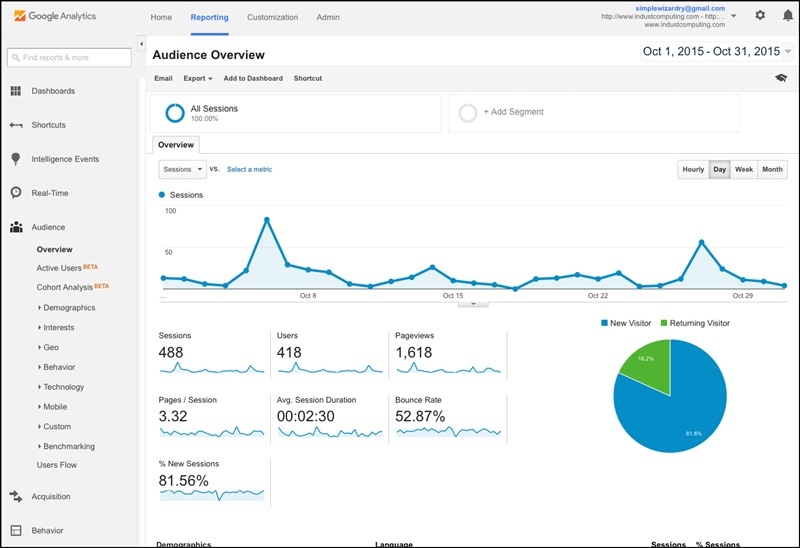
Google Analytics dashboard showing website traffic insights
Google Analytics 4 is a free web analytics tool that tracks website traffic, user behavior, and conversions. It provides small businesses with data to optimize SEO strategies and understand audience engagement.
In practice, we see teams rely on GA4 to understand which channels drive results and where users drop off.
Pros:
- Track traffic sources, sessions, bounce rates, and page views.
- Monitors user engagement with event-based tracking (e.g., clicks, downloads).
- Integrates seamlessly with Google Search Console for SEO insights.
- Offers advanced audience segmentation for targeted campaigns.
- Supports e-commerce tracking for sales and revenue analysis.
Cons:
- The complex GA4 interface requires learning.
- Lacks direct keyword ranking data.
Price: Free for all users, with optional Google Analytics 360 for enterprise needs (custom pricing).
2. Google Search Console
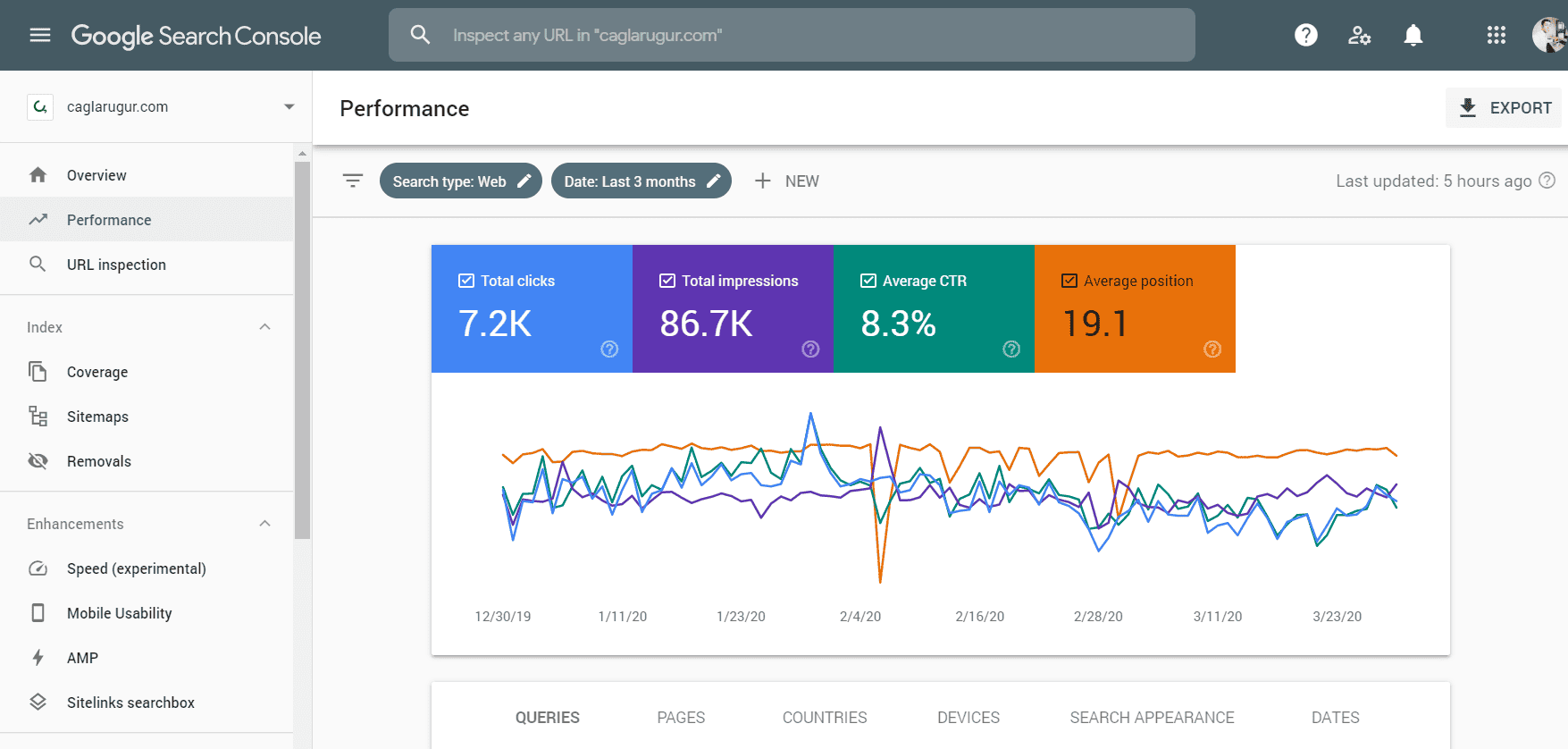
Google Search Console identifies website errors for optimization
Google Search Console is a free tool that monitors a website’s performance in Google search results, providing insights into keyword rankings, indexing issues, and technical errors. Small businesses need to maintain site health and improve search visibility.
For most small teams, this is the fastest way to spot low-hanging opportunities. Pages with high impressions but low clicks are often where quick wins happen.
Pros:
- Tracks keyword performance, impressions, and click-through rates.
- Identifies crawl errors, indexing issues, and security problems.
- Reports Core Web Vitals and mobile usability metrics.
- Allows sitemap submission for faster indexing.
- Provides direct Google data at no cost.
Cons:
- Limited historical data (up to 16 months).
- No competitor analysis features.
Price: Free for all users, accessible with a Google account.
3. Semrush
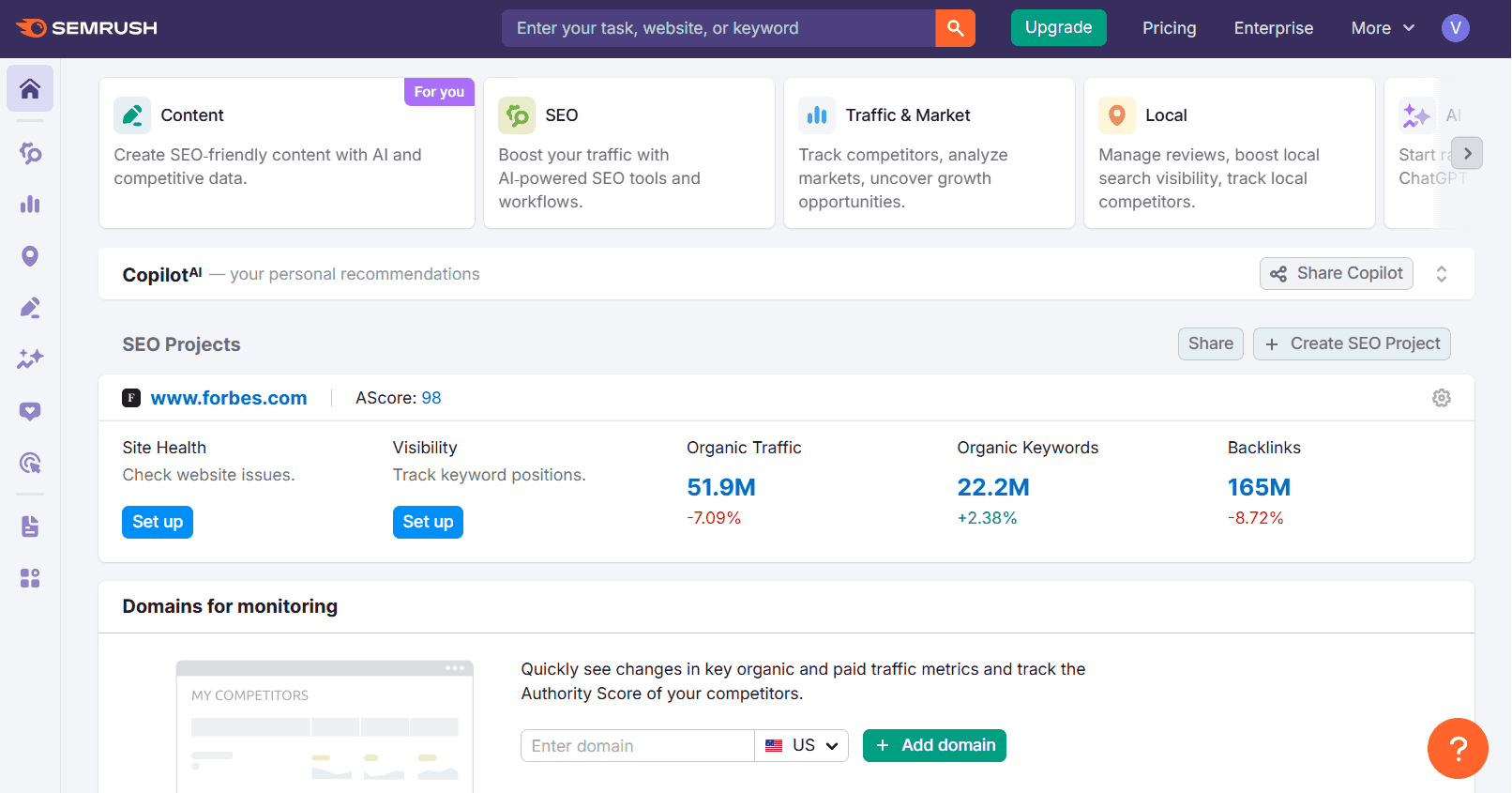
Semrush dashboard for Site Health and competitor analysis
Semrush is a comprehensive SEO platform designed for in-depth keyword research, rank tracking, competitor analysis, and site audits. Its intuitive dashboard provides actionable insights to optimize campaigns and monitor website performance, making it ideal for small businesses aiming to scale their SEO efforts.
From what we see, many small businesses adopt Semrush early but only use a portion of its features. It becomes more valuable when you actively run campaigns and need structured reporting.
Pros:
- Extensive keyword research with gap analysis tools.
- Tracks rankings across devices, locations, and search engines.
- Robust competitor analysis, including backlink and traffic insights.
- Site audit tool identifies technical SEO issues like broken links.
- Integrates with Google Analytics, Search Console, and CRMs.
Cons:
- Pricing adds up quickly with add-ons
- AI features and content tools are often limited or require extra credits
- Easy to overpay if you only use core features
Price: Pro: $139.95/month; Guru: $249.95/month; Business: $499.95/month; 7-day free trial available.
| Maybe you want to know: Why SEO Audit Is Important To Unlock 10X Website Performance |
4. Ahrefs Webmaster Tools
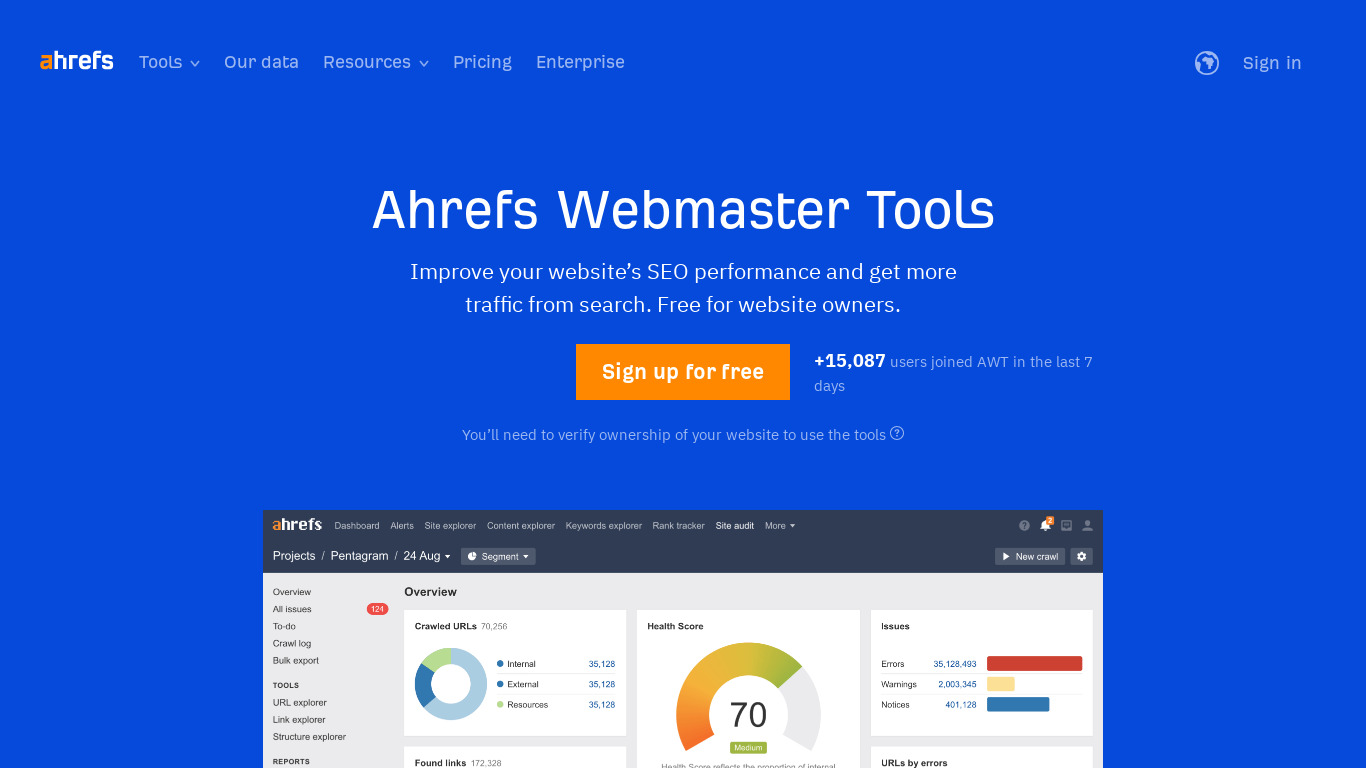
Ahrefs Webmaster Tools analyzes Segment for a small business
Ahrefs (FYI we use this) is a leading SEO tool renowned for its powerful backlink analysis, keyword research, and technical site audits. It helps small businesses uncover link-building opportunities, analyze competitors, and improve site health to rank higher on Google.
In many cases, we rely on Ahrefs to identify content gaps and link opportunities. Those two areas tend to drive the most impact early on.
Pros:
- Industry-leading backlink database for link-building strategies.
- Keyword explorer with search volume and difficulty metrics.
- Comprehensive site audits to fix technical SEO issues.
- Competitor analysis reveals keyword and content gaps.
- A user-friendly interface simplifies data navigation.
Cons:
- Credit-based system for data exports and seats
- Costs can increase quickly as usage grows
- Lower-tier plans are quite limited
Price: Start: $29/month; Lite: $129/month; Standard: $249/month; Advanced: $499/month; Enterprise: $1499/month. Additional usage often requires extra credits
5. Mangools (KWFinder)
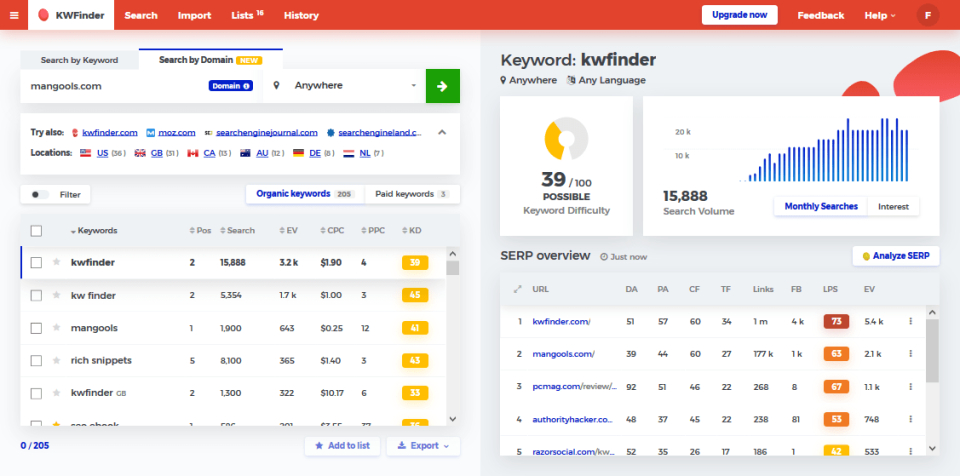
Mangools’ interface for easy keyword research
Mangools is a user-friendly, affordable SEO suite offering tools for keyword research, rank tracking, backlink analysis, and SERP analysis. Its intuitive design and cost-effective plans make it ideal for small businesses and freelancers starting their SEO journey.
It works well when your main focus is keyword research and basic tracking, without needing a full platform.
Pros:
- KWFinder identifies low-competition keywords with search volume.
- SERPChecker analyzes competitor rankings and SERP features.
- SERPWatcher tracks daily keyword position changes.
- LinkMiner uncovers backlink opportunities with metrics.
- Clean, beginner-friendly interface with tutorials.
Cons:
- Limited daily search and tracking quotas.
- Fewer advanced features than Semrush or Ahrefs.
Price: Basic: $24.50/month; Premium: $34.50/month; Agency: $64.50/month; 10-day free trial available.
6. Small SEO Tools
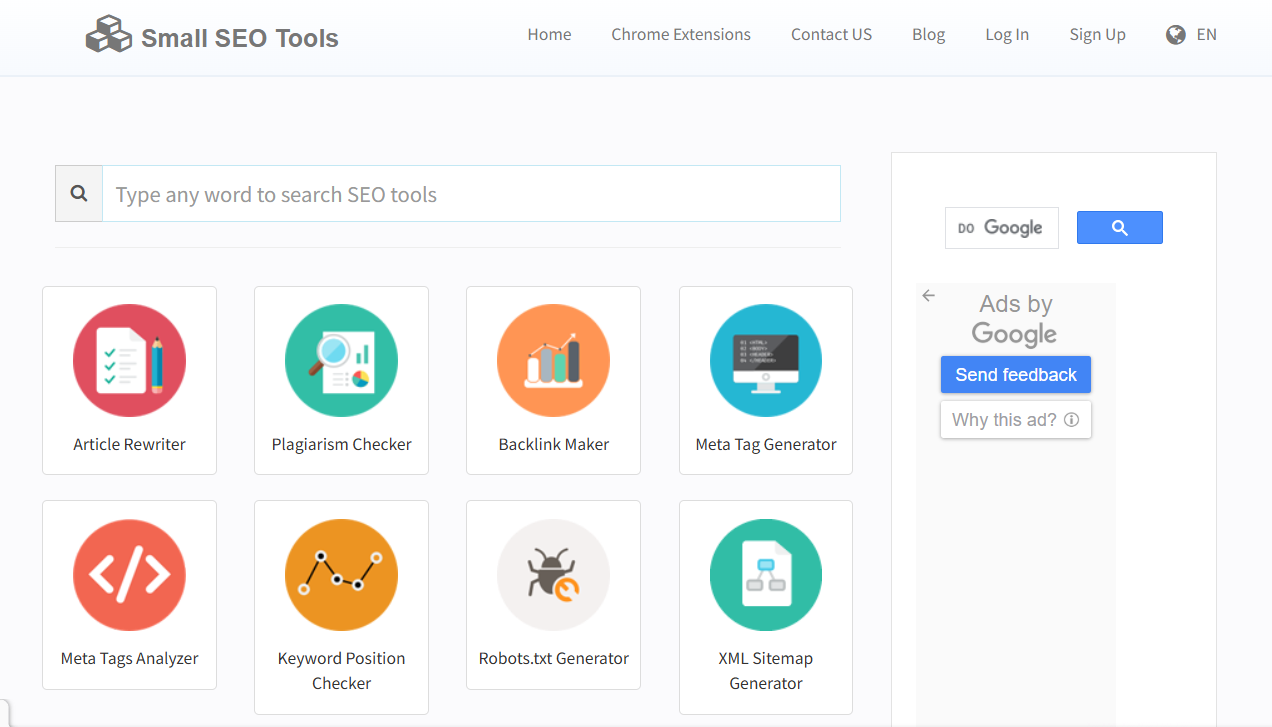
Small SEO Tools dashboard with free SEO utilities
Small SEO Tools is a collection of free and freemium browser-based utilities for tasks like plagiarism checking, keyword analysis, backlink monitoring, and content optimization. It’s perfect for small businesses with tight budgets needing quick, accessible SEO solutions.
It’s great for small businesses with tight budgets needing quick, accessible SEO solutions. That said, most teams outgrow it once they need deeper insights.
Pros:
- Free tools for keyword density, plagiarism, and grammar checks.
- Backlink checker and meta tag analyzer for basic audits.
- Article rewriter and image compressor for content prep.
- No software installation; fully online access.
- Supports multiple file formats for versatility.
Cons:
- Basic functionality with shallow insights.
- Ads disrupt the free version’s usability.
Price: Free; Premium plans start at ~$9.95/month for ad-free access and enhanced limits.
7. Rank Math & Yoast SEO
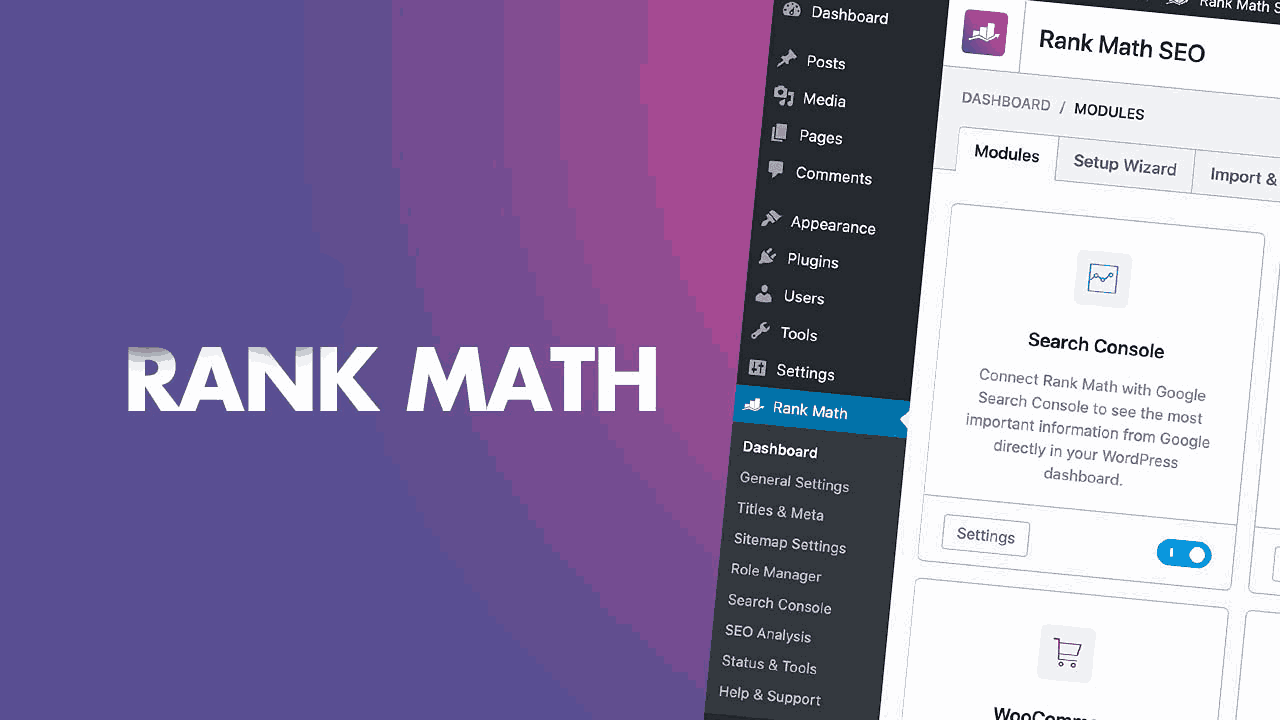
Rank Math plugin optimizing a WordPress site
Rank Math is a feature-rich WordPress SEO plugin that streamlines on-page optimization, schema markup, and technical SEO. It offers advanced tools for small businesses using WordPress to improve rankings and integrate analytics seamlessly.
Pros:
- Auto-generates XML sitemaps and rich snippet schemas.
- Optimizes titles, meta descriptions, and internal links.
- Integrates with Google Analytics and Search Console.
- Tracks keyword rankings and 404 errors (Pro version).
- Generous free plan with premium features.
Cons:
- Inaccurate Search Console data at times.
- AI content tools underperform expectations.
Price: Free; Pro: $7.99/month; Business: $24.99/month; Agency: $59.99/month (annual billing).
Yoast SEO is a widely used WordPress plugin for on-page SEO, offering real-time content optimization, technical SEO features, and readability analysis. It’s a go-to tool for small businesses managing WordPress sites to boost search performance.
Pros:
- Optimizes titles, meta descriptions, and XML sitemaps.
- Analyzes content readability and keyword density.
- Supports schema markup for rich search results.
- Suggests internal links for site structure (Premium).
- Beginner-friendly with clear guidance.
Cons:
- Premium features add significant cost.
- The interface feels outdated compared to rivals.
Price: Free; Premium: $99/year per site; Shopify app: $19/month each.
For small businesses running WordPress, these tools handle the basics well, from metadata to schema and internal linking suggestions.
8. Ubersuggest
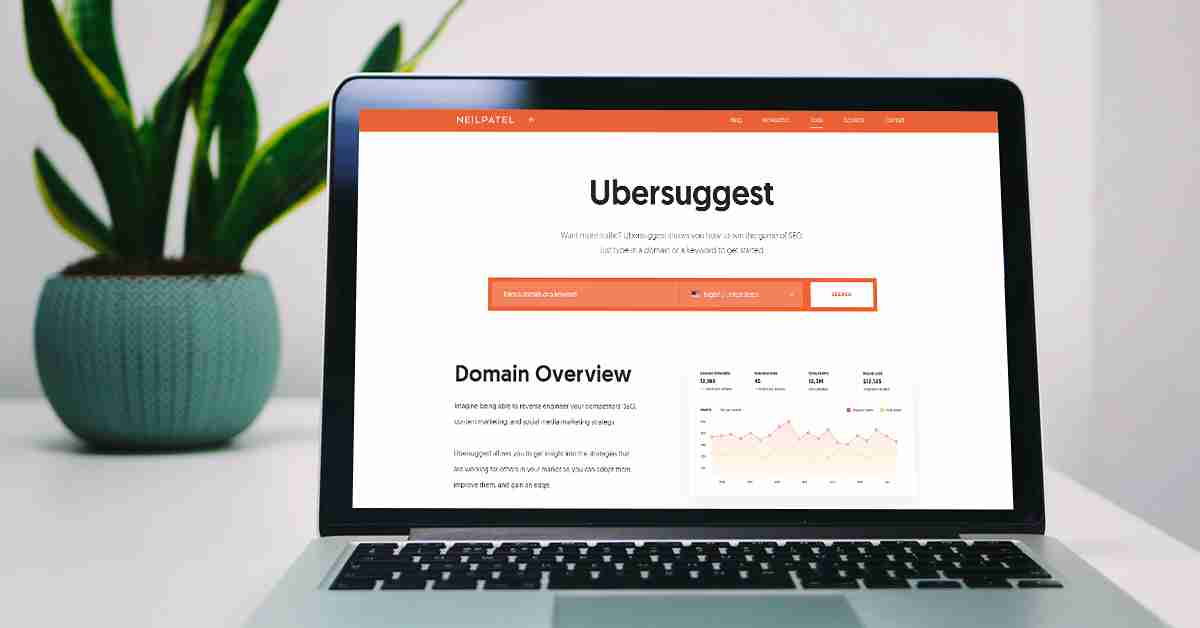
A clean interface of Ubersuggest displays keyword suggestions and content ideas
Ubersuggest is a budget-friendly SEO tool created by Neil Patel, focusing on keyword research, content ideas, and basic site audits. Its simplicity and low cost make it an excellent choice for small businesses starting their SEO journey. However, the data is less detailed compared to premium platforms.
Pros:
- The free plan provides basic keyword and traffic insights.
- Generates content ideas based on trending topics.
- User-friendly interface ideal for SEO beginners.
- Tracks keyword rankings and suggests optimization ideas.
- Offers competitor analysis for keyword strategies.
Cons:
- Less accurate data compared to premium tools
- Limited long-tail keyword data
- Limited depth in advanced features.
Price: Individual: $12/month; Business: $20/month; Enterprise: $40/month.
9. Screaming Frog SEO Spider
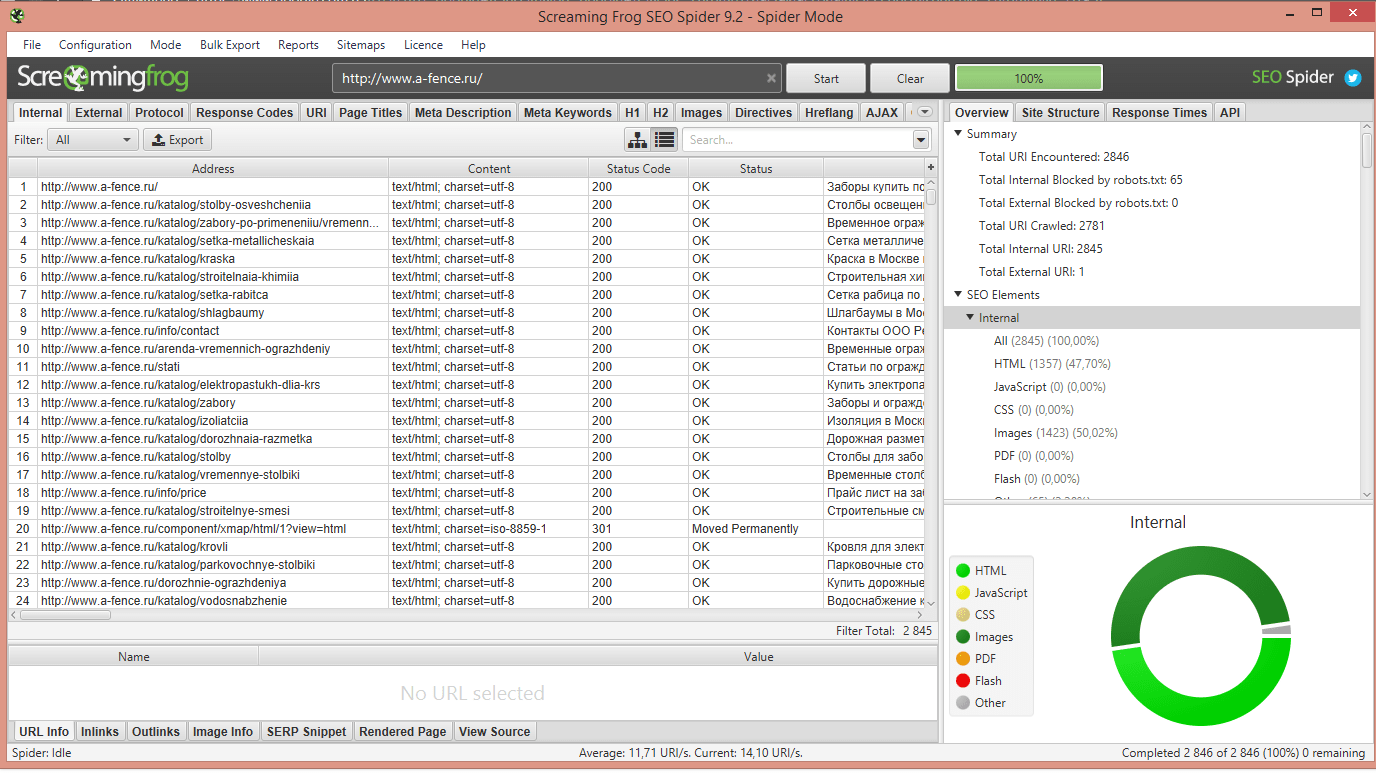
Screaming Frog SEO Spider’s crawl report, showing various technical SEO elements
Screaming Frog SEO Spider is a desktop-based crawler that performs detailed technical SEO audits. It analyzes site structure, identifies errors, and provides insights to improve website performance.
Pros:
- Crawls sites to find broken links, redirects, and errors.
- Analyzes meta tags, headings, and site architecture.
- Exports detailed CSV reports for in-depth analysis.
- Free version crawls up to 500 URLs, ideal for small sites.
- Customizable crawl settings for specific needs.
Cons:
- No cloud-based access
- Requires technical knowledge to maximize value.
Price: Free for up to 500 URLs; Paid: ~$279/year (approximately £199).
10. SonaTools
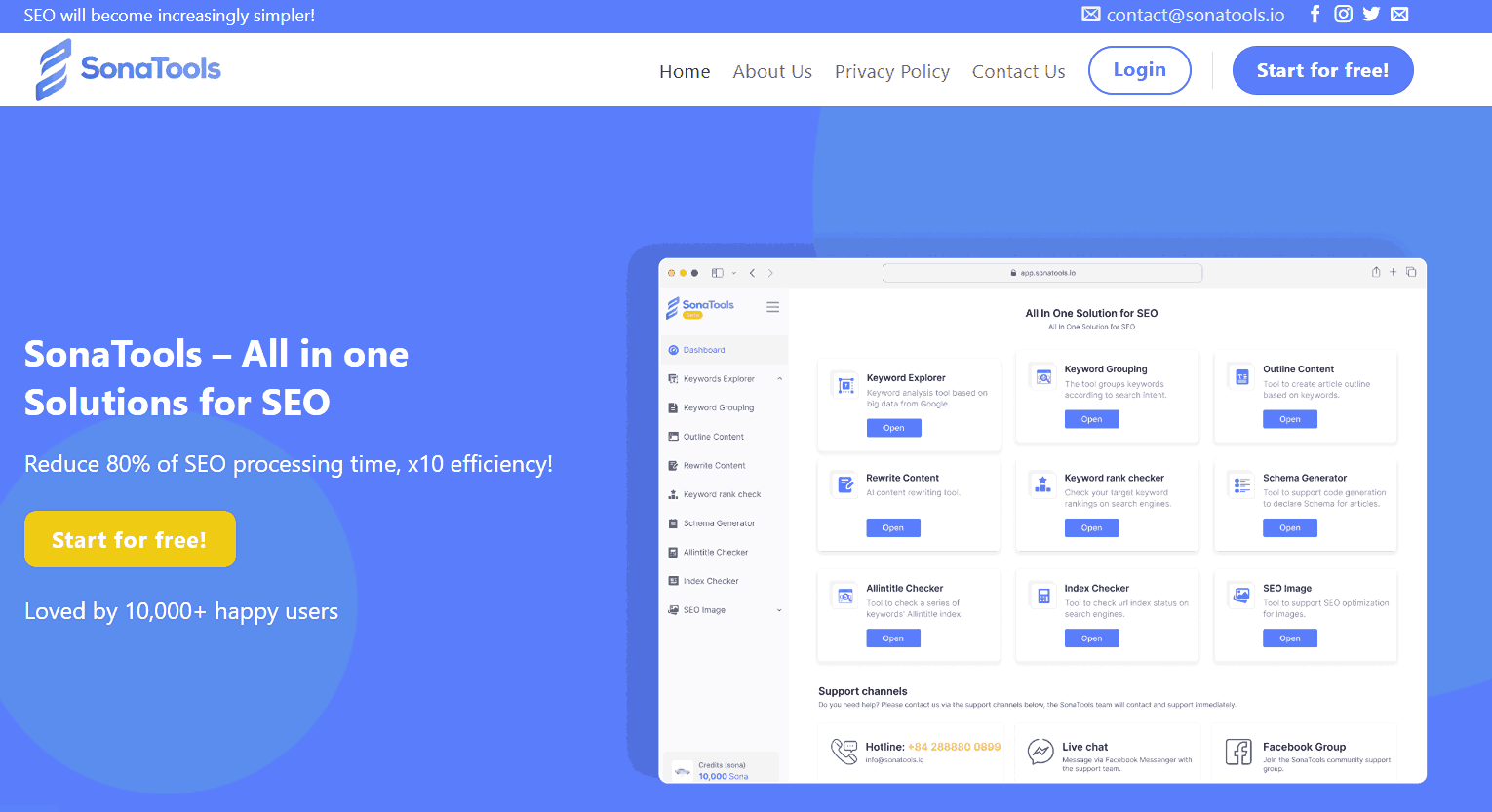
SonaTools dashboard for affordable SEO solutions
SonaTools is an emerging browser-based SEO toolkit offering affordable tools for keyword research, content analysis, and basic site audits. It caters to freelancers and small businesses in markets, accessible SEO solutions.
Pros:
- Keyword suggestion tool with density checker.
- A basic site audit identifies technical SEO issues.
- Free tools for quick content and link checks.
- No software installation; fully online platform.
- Tailored for local markets with a simple UI.
Cons:
- Limited feature depth and scalability.
- No robust analytics or integrations.
Price: Basic: $19.6/month; Pro: $39.6/month; Master: $59.6/month
11. Surfer SEO
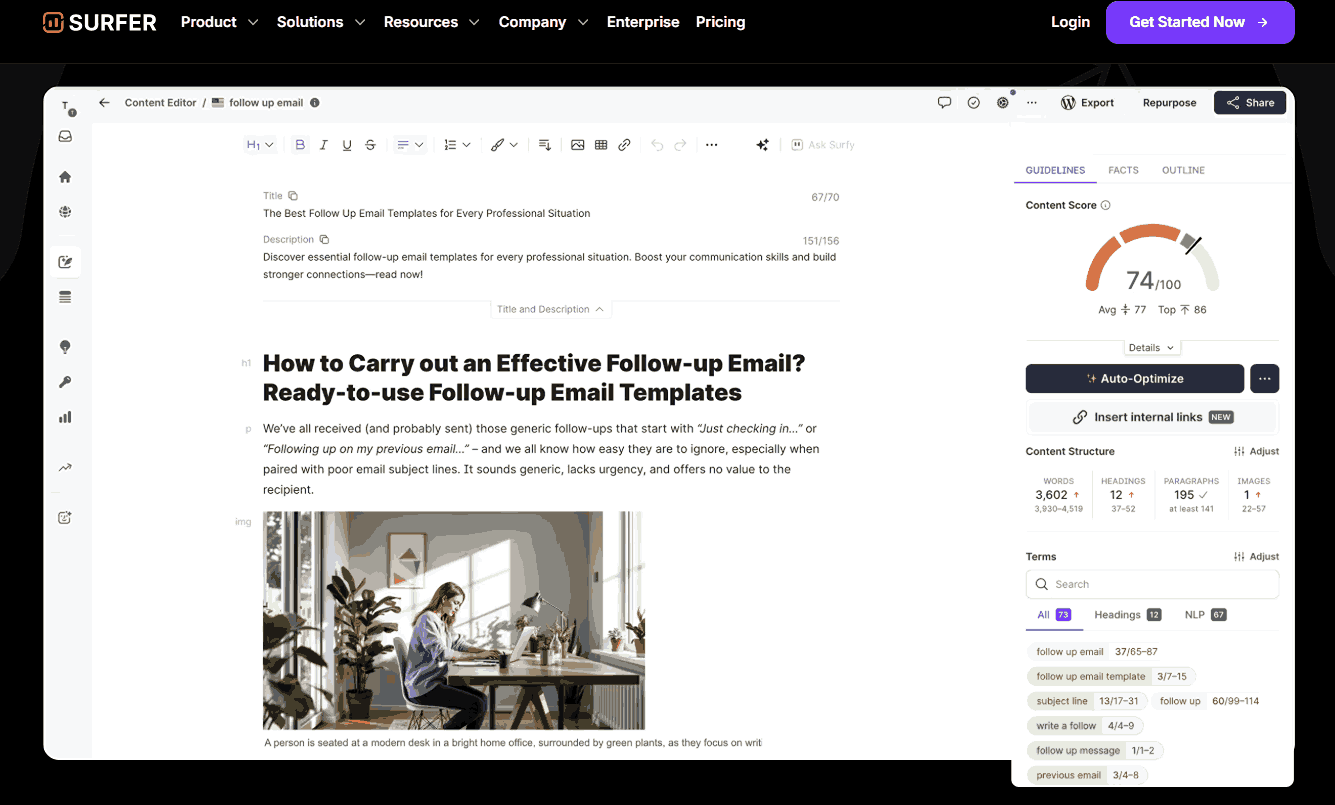
Surfer SEO optimizing content for better rankings
Surfer SEO is an AI-driven on-page SEO tool that optimizes content by analyzing top-ranking SERP competitors. It provides detailed recommendations for keyword usage, content structure, and length.
Pros:
- Analyzes SERP competitors for keyword strategies.
- Suggests ideal content length and structure.
- Real-time content editor for immediate optimization.
- User-friendly interface for content creators.
- Integrates with Google Docs and WordPress.
Cons:
- No technical SEO or backlink analysis
- Costly for small teams.
Price: Essential: $79/month; Scale: $179/month; Enterprise: Custom pricing.
Quick Comparison of Tools: Pricing, Features, Pros and Cons
Choosing the best SEO practices for new businesses involves understanding the strengths of each tool. Here’s a quick look at how these tools compare, helping you pinpoint the best SEO tool for small businesses:
|
Tool |
Pricing |
Standout feature |
Best For |
|
Google Analytics |
Free for all users |
Event-based tracking for user behavior |
Website traffic analysis |
|
Google Search Console |
Free for all users |
Core Web Vitals and indexing insights |
Site performance monitoring |
|
Semrush |
From $139.95/month |
Modular dashboards |
Rank tracking |
|
Ahrefs Webmaster Tools |
From $29/month |
Content Gap tool |
Competitor research |
|
Mangools (KWFinder) |
From $24.5/month |
Clear, easy-to-understand metrics |
Beginner SEOs |
|
Small SEO Tools |
Free; Premium ~$9.95/month |
Free plagiarism and keyword density checkers |
Budget-conscious SEO tasks |
|
Rank Math |
Free; Pro from $7.99/month |
Auto-generated schema and internal link suggestions |
WordPress on-page SEO |
|
Yoast SEO |
Free; Premium $99/year per site |
Real-time readability and keyword analysis |
WordPress content optimization |
|
Ubersuggest |
From $12/month |
Keyword research, site audit, competitor analysis, content ideas, backlink data |
SMEs with low budgets, general SEO insights, and those starting with keyword research |
|
Screaming Frog SEO Spider |
Free plan available paid plans from $279/year |
Extensive configuration and filtering options |
Technical SEO |
|
SonaTools |
From $19.6/month |
Browser-based keyword and content analysis |
Freelancers and local markets |
|
Surfer SEO |
From $79/month |
AI-powered content and SERP insights |
AI integration |
This comparison helps you find affordable SEO software for startups, top digital marketing tools for SMBs. Small business SEO strategies like Semrush and Ahrefs suit those with larger budgets, offering in-depth analysis. Alternatively, Mangools and Ubersuggest, or Rank Math and Yoast SEO, are ideal for beginners.
| 👉 Read more: How Seo And Sem Work Together In 2025? |
Conclusion
Choosing the best SEO tool for small businesses is an important step towards online success. Tools like Google Analytics and Google Search Console are free essentials. Paid options like Semrush and Ahrefs offer deeper insights for those with a larger budget. Regardless of your choice, using SEO tools can help your website grow.
Remember, the right tool fits your specific needs and budget. Golden Owl Digital is ready to help you implement the best SEO strategies. We can guide you through the complexities of online marketing. Contact us today to learn more about how we can boost your business visibility.