B2B sales reps are facing an inefficiency problem: They spend only 30% of their time on actual selling, with the remaining 70% consumed by administrative tasks.
That is where AI lead generation software enters the conversation. These tools help you work smarter, not harder, by automatically finding top-tier leads, personalizing outreach, and tracking every interaction.
In this guide, we’ve assembled the 10 essential AI lead generation softwares for 2026, helping sales teams streamline their lead generation, close more deals, and spend less time on repetitive tasks.
What is Lead Generation?
Lead generation is the process of identifying and attracting prospective customers, otherwise known as leads, and converting them into sales opportunities.
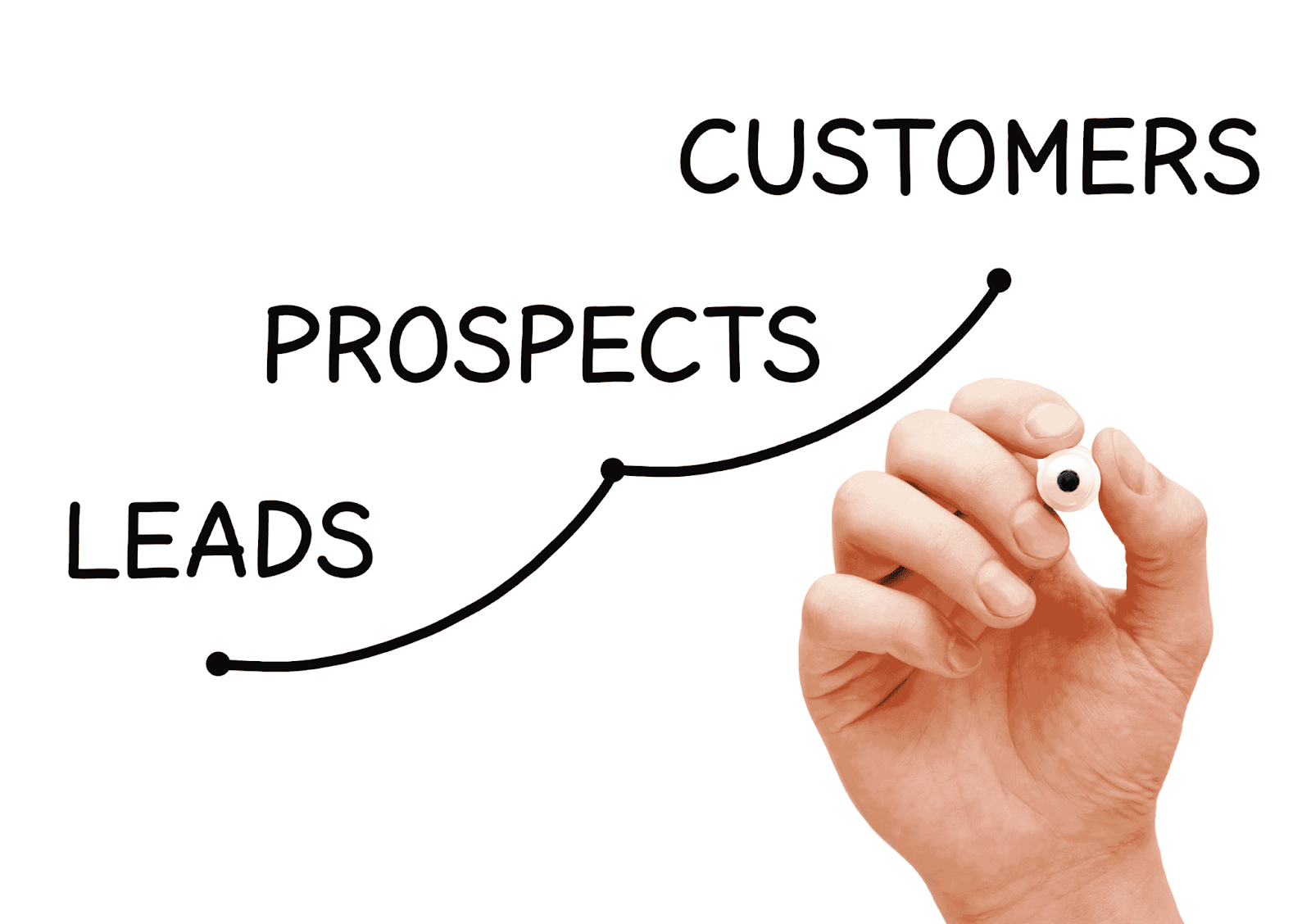
While lead generation can look different across industries, from SaaS lead generation, retail, to real estate…, its goal remains the same: to identify potential customers who are likely to benefit from your product or service and engage them effectively.
Lead generation traditionally involved a mix of cold calling, email outreach, networking events, and digital marketing. Today, however, many of these steps have been automated through AI-powered tools, enabling teams to engage a larger pool of potential leads and gather valuable data to inform outreach efforts.
What is AI Lead Generation Software?
AI lead generation software uses machine learning and data analytics to automate and optimize the lead generation process. These tools identify high-potential leads, personalize outreach, and streamline follow-ups, allowing sales teams to work smarter and focus more on building connections and closing deals.
Key Benefits:
- Automated Lead Scoring: Identifies which leads are most likely to convert.
- Enhanced Personalization: Creates targeted, timely messaging based on data-driven insights.
- Improved Efficiency: Reduces manual tasks, allowing the sales team to focus on closing deals
With AI, your lead generation software essentially becomes your team’s strategic advisor, working in the background to ensure outreach is precise, targeted, and high-impact. Many of these tools integrate directly with CRM systems, further streamlining the process by consolidating data in one place.
10 Essential AI Lead Generation Softwares in 2026
|
AI Lead Generation Software |
Description |
Best For |
Pricing |
|
Sales Navigator |
LinkedIn-native prospecting tool with advanced filters and real-time professional insights. |
B2B outbound teams using LinkedIn for prospecting and ABM. |
Free trial available; from $119.99/user/month |
|
Apollo |
All-in-one B2B database and outbound engagement platform with sequencing and AI workflows. |
Startups and SMB outbound teams wanting database + automation in one tool. |
Free plan available; from $59/month ($49 billed annually) |
|
Airscale |
CRM-based enrichment platform that refreshes and segments lead data using AI. |
Teams improving CRM hygiene and prioritization of existing leads. |
From $49/month (credit-based scaling) |
|
Clay |
Advanced data orchestration and enrichment platform with AI-driven research workflows. |
Growth teams and agencies building highly customized prospect lists. |
Free plan (100 credits); from $149/month ($134 annually) |
|
Smartlead |
Cold email infrastructure platform focused on multi-inbox scaling and deliverability. |
High-volume outbound teams and agencies running cold email campaigns. |
From $39/month; Pro plan $94/month |
|
Heyreach |
LinkedIn automation platform designed for multi-account campaign management. |
Agencies and teams scaling LinkedIn outreach across multiple senders. |
From $79/sender/month; agency tiers from $799/month |
|
LaGrowthMachine |
Multichannel prospecting tool combining LinkedIn and email sequences. |
B2B teams running structured cross-channel outbound campaigns. |
Free trial; from €50/month |
|
ZoomInfo |
Enterprise B2B database with intent data and advanced segmentation filters. |
Mid-market and enterprise teams running structured ABM strategies. |
Custom pricing |
|
Outreach.io |
Enterprise sales engagement platform for managing multistep outbound workflows. |
Large sales teams needing governance, analytics, and CRM sync. |
Custom pricing |
|
DemandScience |
Enterprise-grade B2B data and managed performance marketing platform with intent signals. |
Mid-market and enterprise teams seeking data + managed lead generation services. |
Custom/contract pricing |
1. Sales Navigator
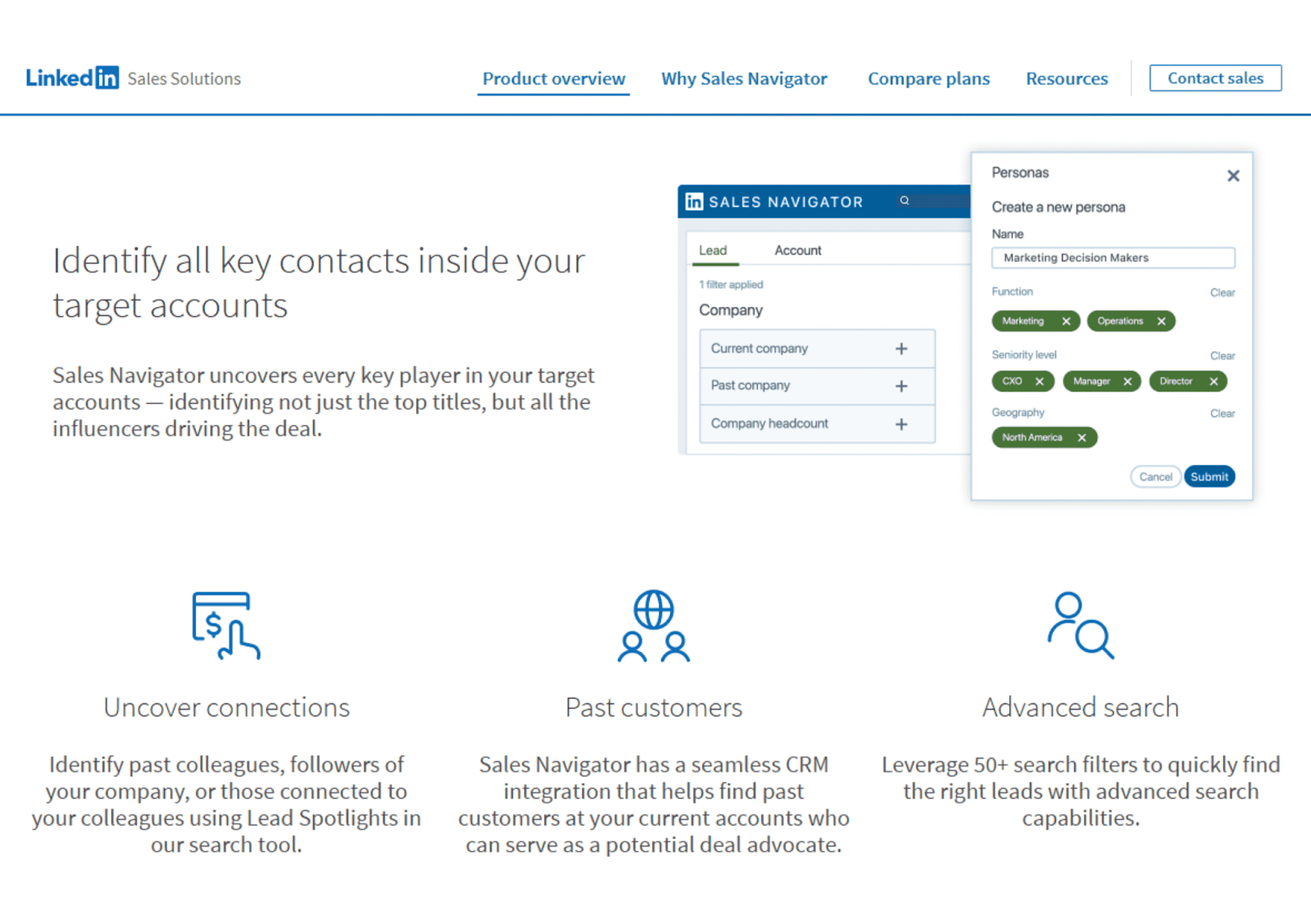
Primary Use Case of LinkedIn Sales Navigator: Prospecting decision-makers directly within LinkedIn using advanced filters and real-time professional insights.
Best For: B2B companies running outbound or account-based strategies that rely heavily on LinkedIn as a primary channel.
Core Strengths:
- Advanced filtering by industry, headcount, seniority, geography, and company growth signals
- Real-time visibility into job changes, company updates, and posted content
- Direct access to decision-makers through InMail
- Seamless integration with major CRMs like Salesforce and HubSpot (Advanced/ Advanced Plus packages)
Limitations:
- Data is limited to LinkedIn’s ecosystem
- Does not include built-in email sequencing or automation
- Requires manual prospecting effort unless paired with additional tools
Data Source: LinkedIn’s first-party professional network data.
Integrations: Native integrations with Salesforce, HubSpot, and supported via Zapier for workflow automation.
Automation Level: Low to moderate. Strong search and tracking capabilities, but outreach automation requires external tools.
Pricing: 1-month free trial available. Paid plans start at $119.99 per month per user.
When to Avoid: If your sales motion depends primarily on cold email at scale or requires verified email databases outside LinkedIn, you’ll likely need additional tools in your stack.
2. Apollo
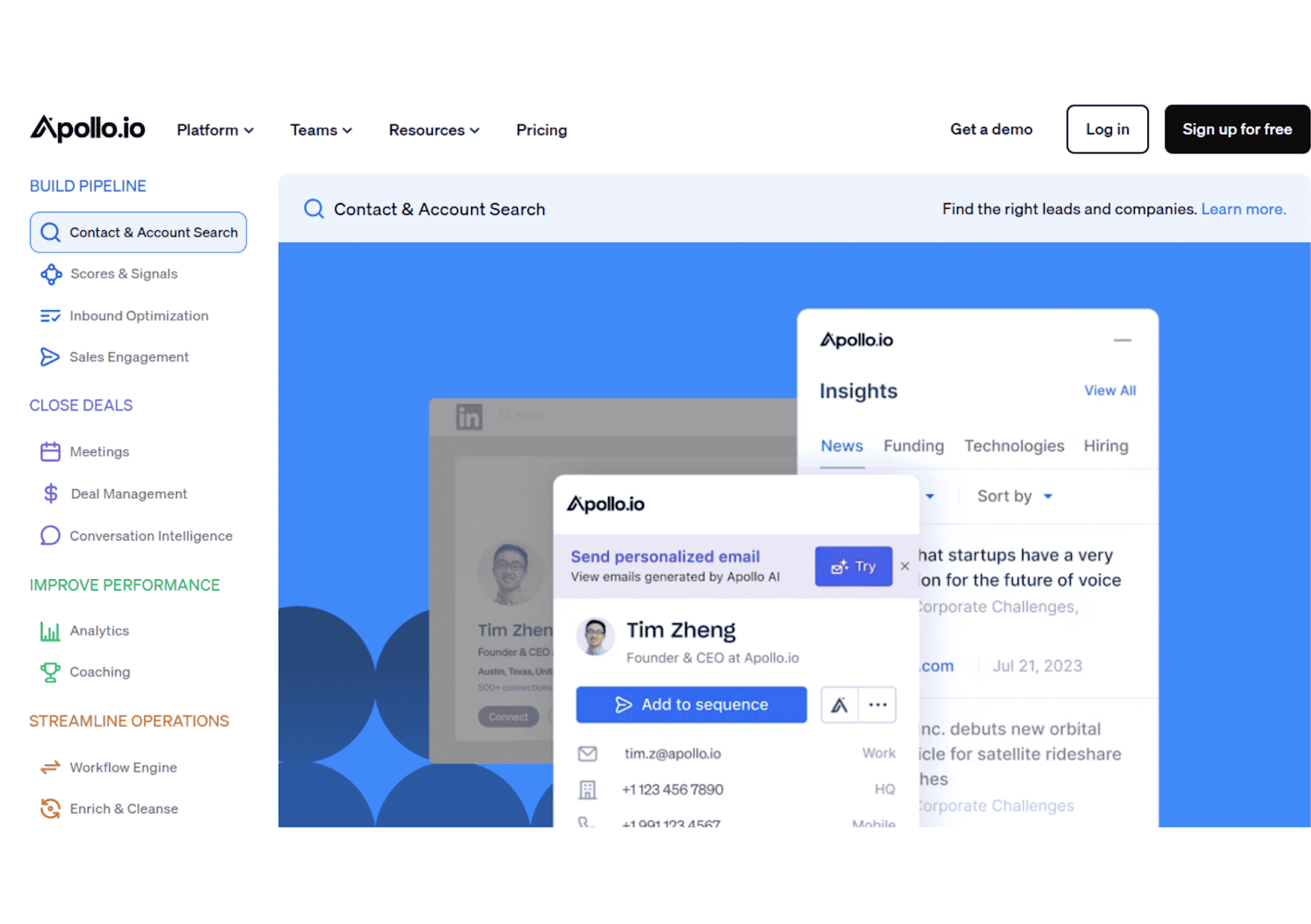
Primary Use Case of Apollo: All-in-one prospect database and outbound engagement platform for email-first B2B teams.
Best For: Startups, SMBs, and lean outbound teams that want database access and sequencing in a single tool without building a complex stack.
Core Strengths:
- Large B2B contact database with firmographic and technographic filters
- Massive B2B contact database with firmographic, technographic, and AI-driven intent filters
- Advanced email sequencing and AI “Plays” for trigger-based workflow automation
- Lead scoring and intent signal filters on higher-tier plans
- Chrome extension for prospecting directly from LinkedIn
- Native CRM integrations and workflow automation
Limitations:
- Data accuracy varies by region and industry
- Email deliverability depends heavily on proper setup and domain warming
- Organization Plan features (advanced AI/security) require a 3-user minimum.
- Rapidly scales in cost as credit usage for exports and mobile numbers increases.
Data Source: Proprietary “Living Data Network,” web crawling, and third-party data partnerships.
Integrations: Salesforce, HubSpot, Pipedrive, Zapier, and other RevOps tools.
Automation Level: High. Supports automated “Plays,” AI-personalized messaging, and complex workflow triggers.
Pricing: Free plan available. Paid plans start at $59 per month (or $49/mo billed annually), with significant price jumps for the 3-user minimum Organization tier.
When to Avoid:If you require 100% verified enterprise-grade data accuracy or have extremely complex, high-touch ABM needs that go beyond automated sequencing.
3. Airscale
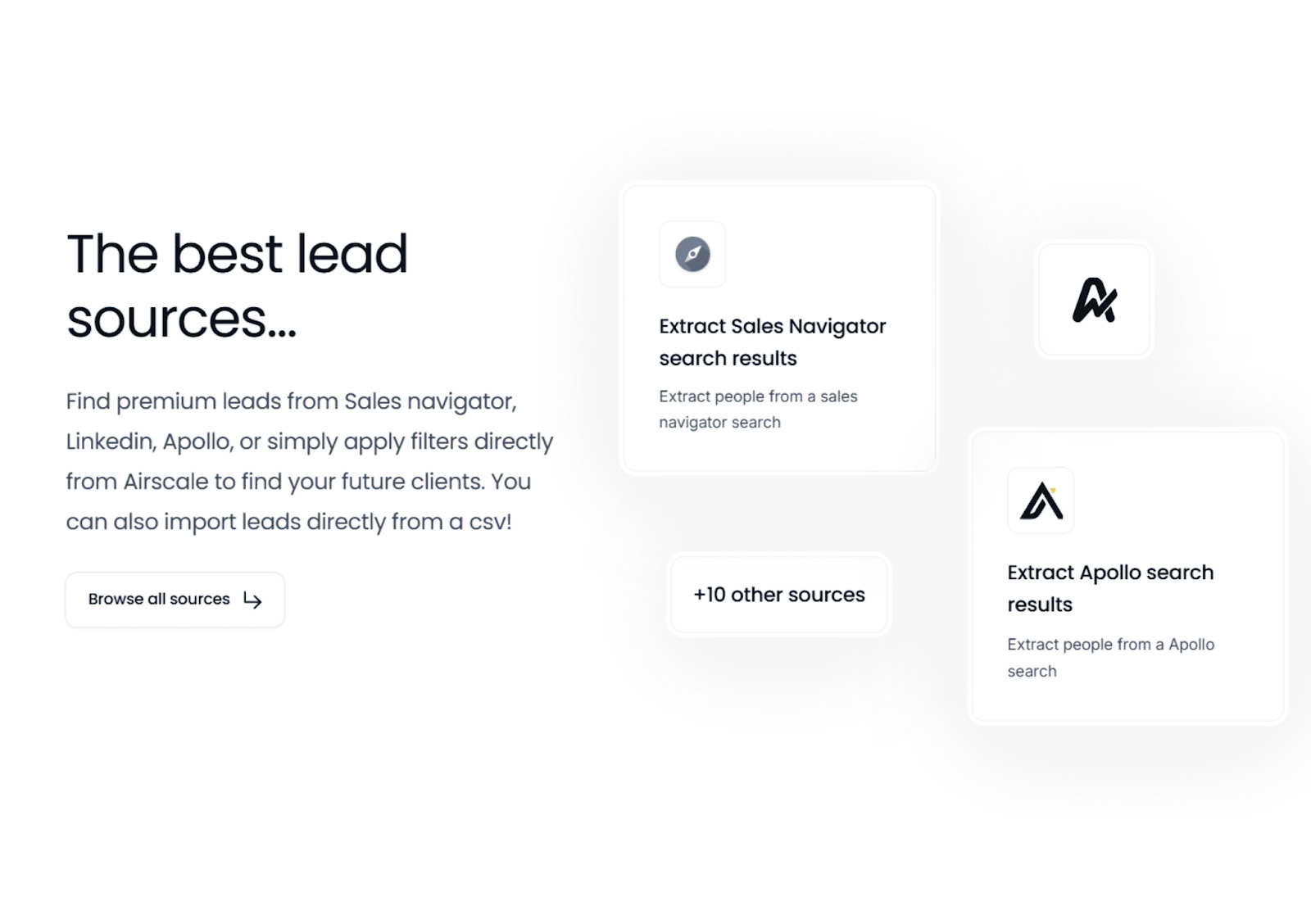
Primary Use Case of Airscale: CRM-based lead enrichment and segmentation to improve data quality before outreach begins.
Best For: B2B teams that already have inbound or outbound leads but struggle with incomplete, outdated, or poorly segmented CRM data.
Core Strengths:
- Real-time enrichment of contact and company profiles inside your CRM
- AI-driven segmentation based on firmographic and behavioral signals
- Automatic data refreshing to ensure job titles and company growth metrics stay current.
- Reduces manual research time for SDRs
- Helps prioritize higher-fit accounts through advanced AI propensity scoring
Limitations:
- Not a lead database for sourcing net-new prospects
- Limited built-in outreach or sequencing capabilities
- Effectiveness depends on CRM hygiene and existing data structure
Data Source: Multi-vendor orchestration (waterfalling) combined with AI-based data matching and verification.
Integrations: Native, deep-sync integrations with HubSpot, Salesforce, and Pipedrive.
Automation Level: Moderate. High automation for data hygiene and segmentation, but zero automation for outbound execution.
Pricing: Paid plans start at $49 per month, with costs scaling based on the number of records enriched or “credits” consumed.
When to Avoid:If your primary objective is high-volume cold prospecting (sourcing new names) or if you require an all-in-one engagement suite like Apollo.
4. Clay
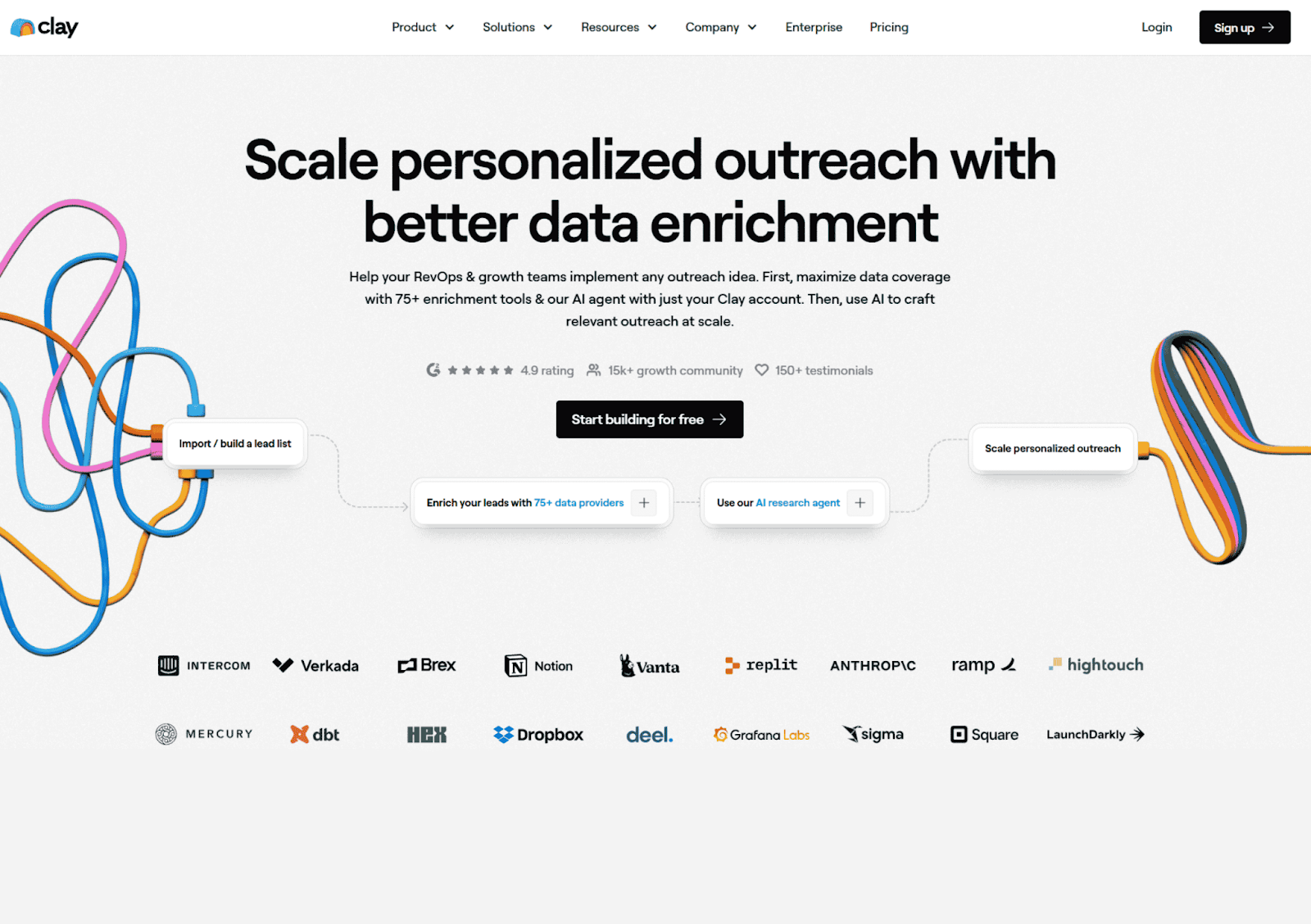
Primary Use Case of Clay: Custom data enrichment and signal-based prospect research using flexible workflows and AI-powered scraping.
Best For: Growth teams, outbound agencies, and “GTM engineers” who need granular control over data sourcing and hyper-personalized messaging at scale.
Core Strengths:
- Aggregates data from multiple providers and web sources into one workflow
- Claygent (AI Agent): A native AI agent that can browse the web, read 10-Ks, and summarize LinkedIn profiles
- Signal-Based Workflows: Highly customizable logic
- Scalable Personalization: Uses LLMs to generate 1-to-1 personalized outreach inputs
- Pricing is based on credit usage rather than the number of users
Limitations:
- Steep Learning Curve: Closer to a “low-code” tool than a traditional database
- Credit-Heavy Pricing: Complex enrichment chains (waterfalls + AI) can burn through credits quickly, leading to high monthly costs.
- No Native Sending: Primarily a data layer that requires external tools (Instantly, Smartlead) for high-volume execution.
- CRM Sync Restrictions: Native Salesforce and HubSpot integrations are locked behind the Pro Tier ($720+/mo).
Data Source: Multi-source orchestration; acts as a middleware layer aggregating 75+ third-party APIs and custom web scraping.
Integrations: Connects with CRMs, Google Sheets, outbound tools, and automation platforms via native integrations and Zapier.
Automation Level: Extreme. Unmatched for data-gathering and research automation, but requires a separate “execution” tool to send emails.
Pricing: Free plan available (100 credits). Paid plans start at $149 per month ($134 billed annually). The Pro Plan, required for CRM sync, starts at $800 per month ($720 billed annually).
When to Avoid: If you want a simple database with built-in outreach and minimal setup, Clay may feel overly complex and operationally heavy.
5. Smartlead
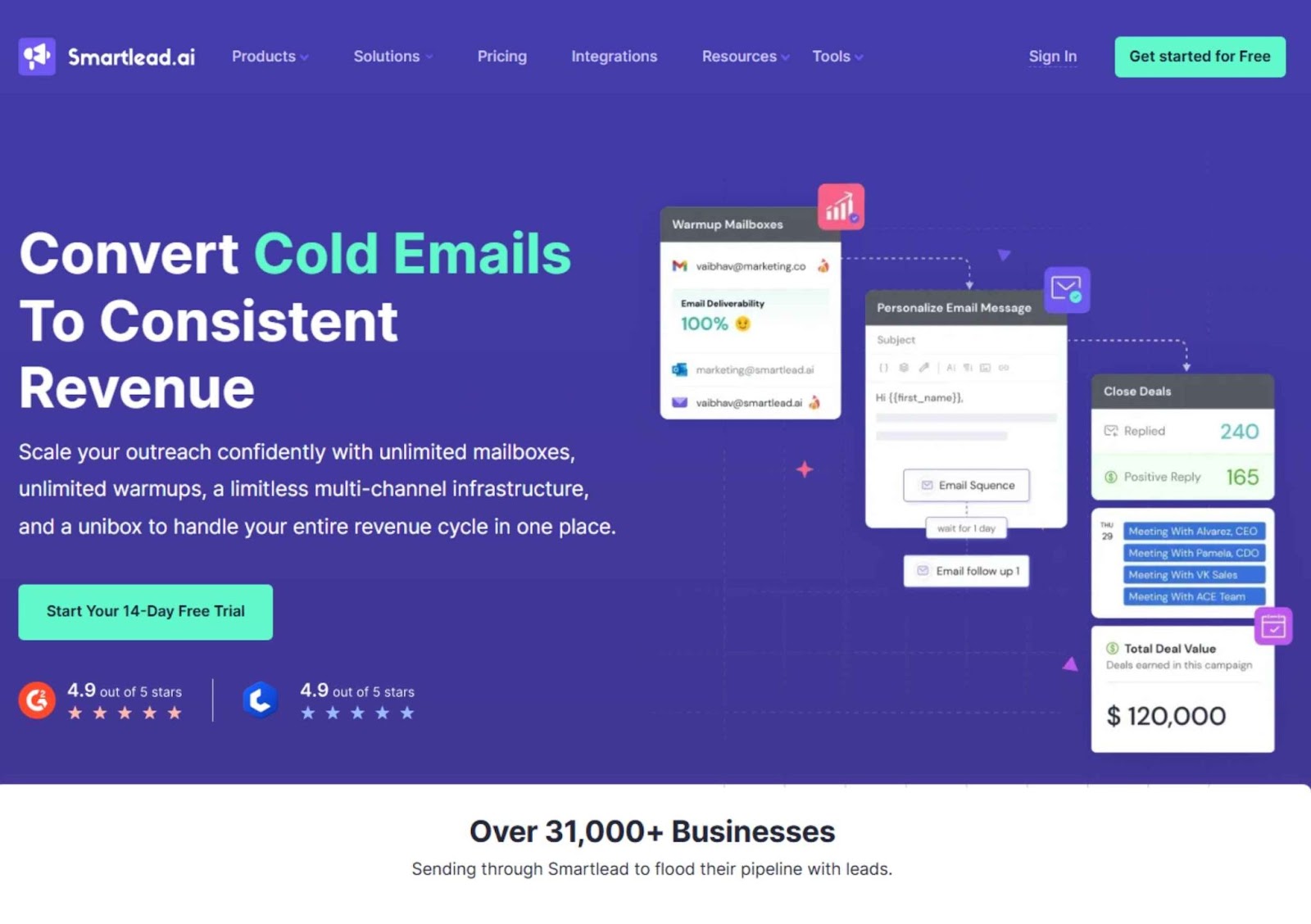
Primary Use Case of Smartlead: Scalable cold email infrastructure focused on multi-inbox management and industry-leading deliverability.
Best For: Outbound-focused B2B teams and agencies sending high-volume cold email campaigns across multiple inboxes.
Core Strengths:
- Unlimited Mailboxes: Scale outreach horizontally by connecting infinite accounts at no extra cost.
- Master Inbox (Unibox): A centralized hub that aggregates replies from every campaign and email account into one view.
- AI Warmup & Deliverability: Built-in automated warmup and “Spam Rescue” to maintain a high sender reputation.
- Smart-Scale Tech: Automatically rotates between inboxes and IPs to bypass provider limits and mimic human behavior.
- SmartProspect: A new 2026 built-in database of 300M+ verified profiles for direct prospecting.
Limitations:
- Technical Setup: Configuring DNS records (SPF/DKIM) and tracking domains can be difficult for beginners.
- Feature Gating: API access, Webhooks, and CRM sync are locked behind the Pro tier ($94/mo).
- Limited Multichannel: While adding SMS/Social features, it is primarily an email-first tool with basic LinkedIn automation.
Data Source: Historically “bring your own data,” but now includes the SmartProspect database with 3x-verified profiles.
Integrations: Native sync with Salesforce, HubSpot, and Pipedrive (Pro only); extensive Webhook/API support.
Automation Level: High. Excellent for sequencing, inbox rotation, and AI-categorized reply handling.
Pricing: Paid plans start at $39 per month (Basic). The Pro Plan is $94 per month.
When to Avoid: If you only send small volumes from a single inbox, or if your strategy requires deep, native LinkedIn automation and ABM features.
6. Heyreach
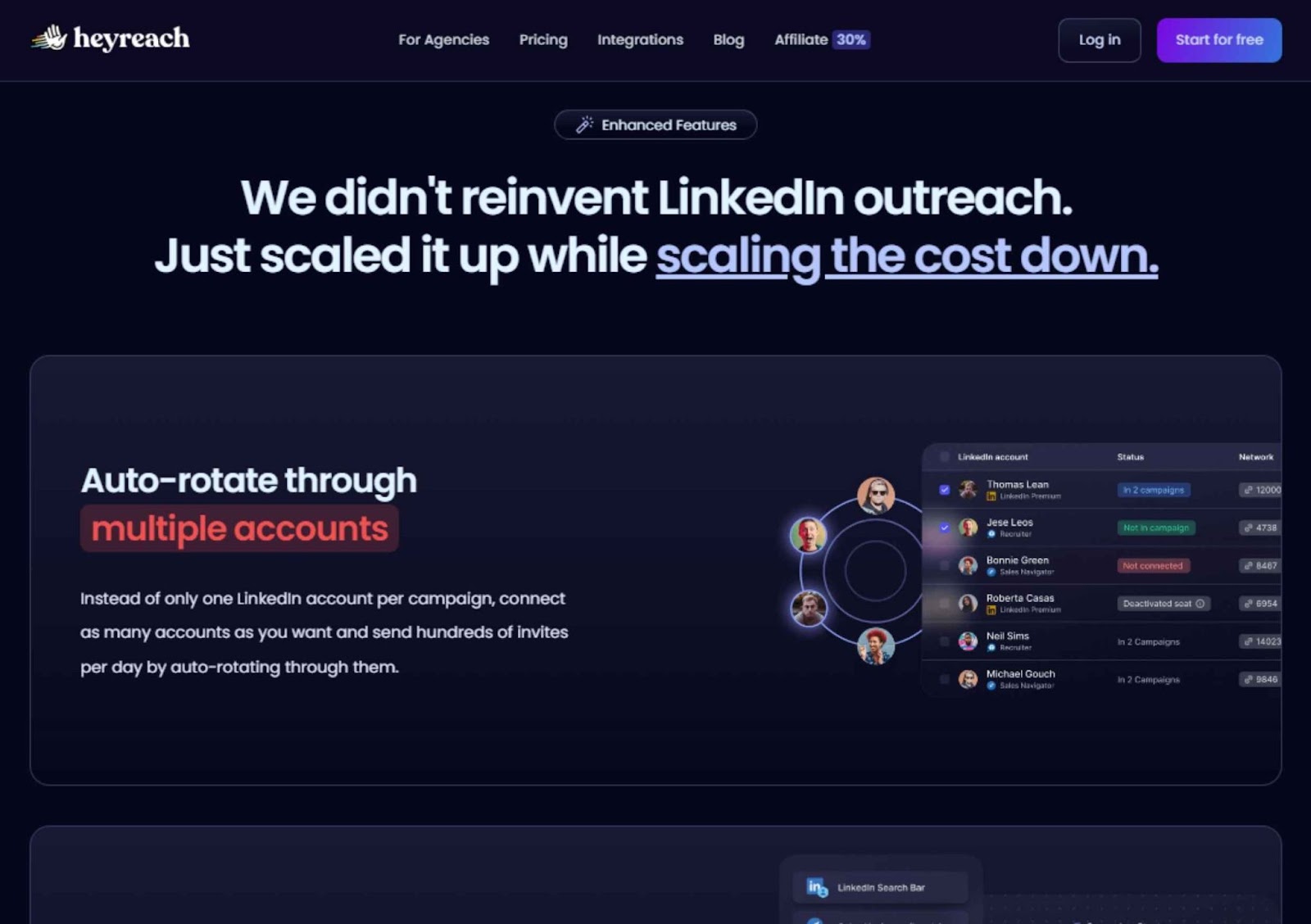
Heyreach is a cloud-based LinkedIn automation platform specialized in multi-account campaign management and agency-scale outreach
Best For: Lead-gen agencies and large sales teams that need to bypass LinkedIn’s individual sending limits
Core Strengths:
- Multi-Account Rotation: Coordinated outreach across unlimited profiles to scale volume while keeping individual accounts safe.
- Unified Inbox (Unibox): A central dashboard to view and reply to messages from all connected accounts without logging in and out.
- Branching Sequences: Advanced campaign logic that triggers different actions based on whether a lead accepts a request or replies.
- Cost-Effective Scaling: Fixed-fee agency tiers allow for 50+ accounts at a significantly lower per-user cost than competitors.
- Deep Clay Integration: Widely considered the best execution partner for Clay-driven GTM workflows via a robust API.
Limitations:
- LinkedIn Only: Unlike “multichannel” tools, it lacks native built-in email sequencing or cold calling.
- Proxy Management: Scaling across many accounts often requires managing your own proxies to ensure account safety.
- Complex Setup: Managing dozens of accounts and workspaces introduces operational overhead compared to single-account tools.
Data Source: LinkedIn’s native professional network; supports imports from Sales Navigator, CSVs, and Clay.
Integrations: Native sync with HubSpot and Pipedrive; extensive API and 20+ Webhook events for custom stacks.
Automation Level: High. Superior for profile rotation and sequence logic, but restricted to one channel.
Pricing: Paid plans start at $79 per sender/month. Agencies can access a flat-rate $799/month for 50 accounts or $1,999/month for unlimited accounts.
When to Avoid: If your outbound strategy depends on email, phone, or multichannel orchestration, Heyreach should be combined with additional tools.
7. LaGrowthMachine
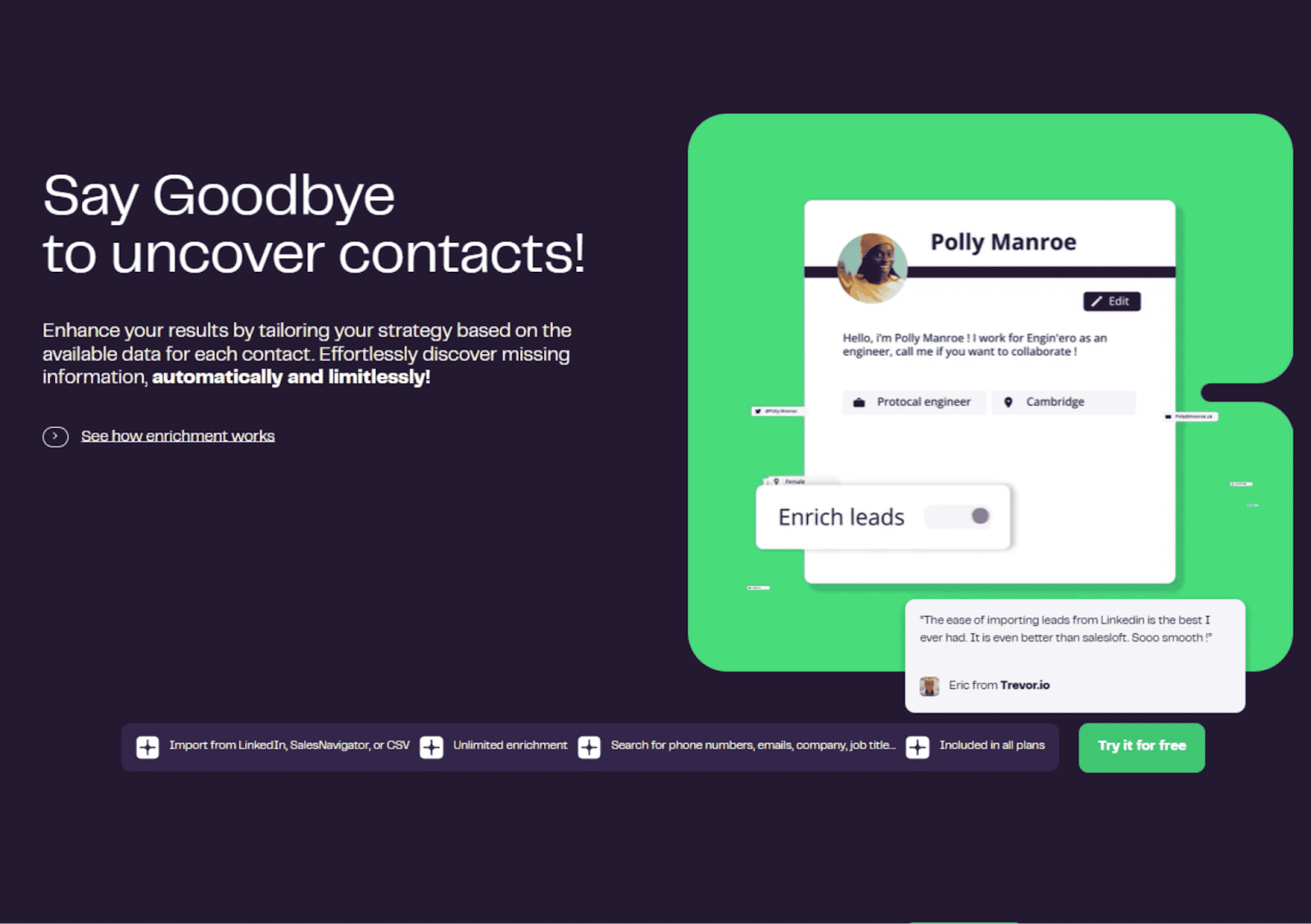
LaGrowthMachine is a high-end multichannel prospecting platform that orchestrates complex automated sequences across LinkedIn, Email, and Twitter (X).
Best For: B2B teams that want to cbuild advanced, behavior-based “decision tree” workflows across multiple social and email channels.
Core Strengths:
- Multichannel sequencing combining email and LinkedIn actions
- Can automate the sending of voice notes
- Centralized campaign dashboard for visibility
- Basic personalization and segmentation capabilities
- Suitable for structured outbound cadences
Limitations:
- Limited native lead database, requires external sourcing
- Less advanced deliverability infrastructure compared to dedicated email tools
- AI personalization depth is lighter than enrichment-first platforms
- Performance depends heavily on list quality and targeting
Data Source: No proprietary contact database. Users upload leads sourced from external providers.
Integrations: Connects with CRMs and automation platforms to sync campaign activity and lead status.
Automation Level: Moderate to high for cross-channel sequencing; limited enrichment and predictive scoring features.
Pricing: Free trial available. Paid plans start at €50 per month, with higher tiers depending on feature access and usage.
When to Avoid: If your team requires deep intent data, advanced predictive scoring, or large-scale database prospecting, LaGrowthMachine should be part of a broader stack rather than the core engine.
8. ZoomInfo
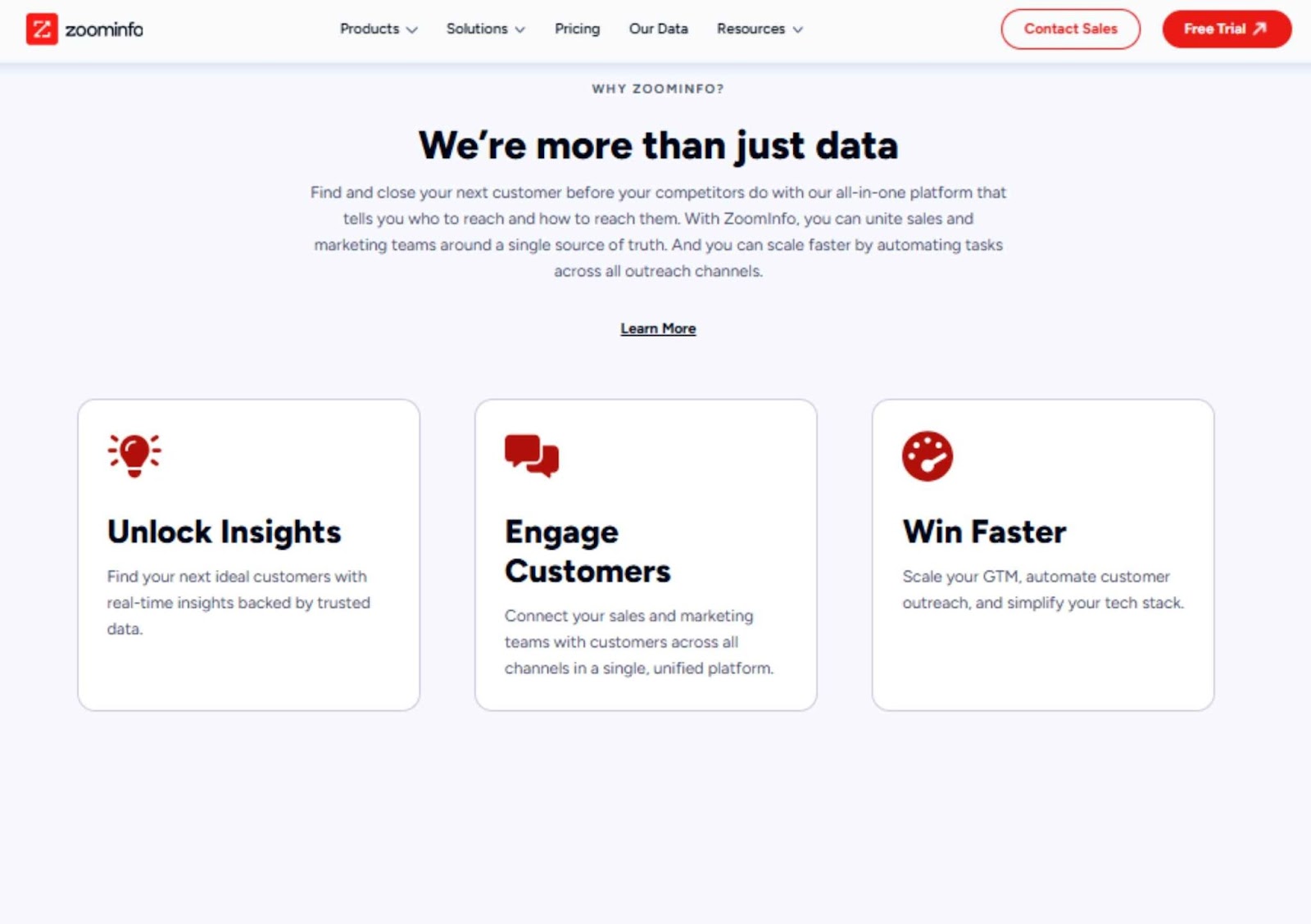
Primary Use Case of ZoomInfo: Enterprise-grade B2B contact database with advanced filtering, intent data, and enrichment capabilities.
Best For: Mid-sized to enterprise B2B companies running structured outbound, ABM, or territory-based sales strategies.
Core Strengths:
- Large global B2B contact and company database
- Advanced filtering by industry, headcount, revenue, tech stack, and buying signals
- Built-in intent data for identifying in-market accounts
- Strong enrichment and CRM sync capabilities
- Suitable for account-based targeting and territory planning
Limitations:
- High pricing threshold compared to SMB tools
- Data accuracy can vary outside major markets
- Requires structured sales process to extract full value
- Credit-based usage can increase costs quickly
Data Source: Aggregated third-party data, proprietary research, and intent signal partnerships.
Integrations: Native integrations with Salesforce, HubSpot, Marketo, Outreach, and other RevOps platforms.
Automation Level: Moderate. Strong data and intent intelligence; outbound execution typically handled through external engagement tools.
Pricing: Custom pricing based on product package and seat count across Sales, Marketing, or Talent solutions.
When to Avoid: If you are an early-stage startup with limited outbound budget or a small team, the cost and complexity may outweigh the benefits.
9. Outreach.io
Primary Use Case of Outreach.io: Enterprise sales engagement platform for managing complex outbound workflows across email, calls, and tasks.
Best For: Mid-sized to enterprise sales teams with multiple SDRs and AEs that need structured sequencing, performance tracking, and workflow governance.
Core Strengths:
- Advanced multistep sequencing across email, calls, and tasks
- Performance analytics for reps, sequences, and campaigns
- Deep CRM synchronization for pipeline visibility
- Conversation intelligence and engagement tracking
- Strong workflow controls for large teams
Limitations:
- No native large-scale contact database
- Requires operational setup and onboarding
- Higher cost compared to SMB-focused tools
- Overkill for small teams with simple outbound motion
Data Source: No proprietary contact database. Relies on CRM data and externally sourced prospect lists.
Integrations: Deep integrations with Salesforce, HubSpot, and other RevOps and analytics tools.
Automation Level: High for sales workflow automation, task management, and reporting; limited in data sourcing.
Pricing: Custom pricing based on seat count and feature package.
When to Avoid: If you are a small outbound team without a defined process or CRM discipline, the platform’s complexity may slow you down rather than increase efficiency.
10. DemandScience
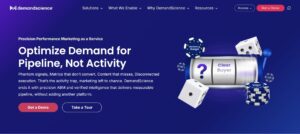
DemandScience has evolved from a simple database into a global B2B “performance marketing” and account-based orchestration platform.
Best For: Enterprise and mid-market B2B teams that need a mix of high-fidelity contact data, intent signals, and fully managed “done-for-you” lead generation services.
Core Strengths:
- Multi-Channel Orchestration: Combines email, LinkedIn, and account-based advertising (via the Ionic platform) into a single GTM strategy.
- Verified Buyer Intelligence: Focuses on “sales-ready” leads backed by human-verified data and intent signals to reduce “phantom” interest.
- Content Syndication: Strongest in the market for promoting your whitepapers/webinars to a targeted, compliant global audience to generate MQLs.
- Global Reach: Exceptional data coverage and compliance (GDPR/CCPA) across EMEA, APAC, and North America.
Limitations:
- Service-Heavy Model: Much of their “magic” happens via managed services (Labs), which may feel less “self-serve” than tools like Apollo or Clay.
- High Entry Cost: Pricing is enterprise-level; generally not suited for small startups with sub-$1,000 monthly budgets.
- Fragmented UI: As a result of several acquisitions, navigating between their different modules (Klarity, Ionic, etc.) can occasionally feel disjointed.
Data Source: Proprietary “Live Data Factory” combining first-party intent, content engagement signals, and verified B2B profiles.
Integrations: Native, deep-sync integrations with Salesforce, HubSpot, and Marketo (formerly under the Terminus banner).
Automation Level: Moderate to High. Strong for automated account-based ads and lead routing, but requires human collaboration for campaign management.
Pricing: Custom/Contract-based.
When to Avoid: If you are a lean team looking for a $50/mo “search and export” tool, or if you prefer to build and manage every single outbound sequence manually.
How to Evaluate AI Lead Generation Software
What separates a useful tool from an expensive distraction usually comes down to five fundamentals. Below is a simple evaluation framework we use when helping B2B teams assess AI lead generation software.
|
Criteria |
Why It Matters |
What to Check |
|
Data Source |
Determines lead quality and accuracy |
Is the data first-party, partner-based, or scraped? How often is it updated? Are emails verified? |
|
CRM Sync |
Prevents data fragmentation and manual errors |
Native integration with Salesforce or HubSpot? Real-time sync or manual export? Two-way data flow? |
|
Compliance |
Reduces legal and reputational risk |
GDPR compliance? Clear data sourcing transparency? Regional coverage clarity? |
|
AI Scoring |
Improves prioritization and SDR efficiency |
Customizable scoring model? Behavioral + intent signals? Or just static filters labeled “AI”? |
|
Pricing Model |
Direct impact on scalability and ROI |
Per seat, per contact credit, or per volume? Hidden data costs? Scaling costs after initial tier? |
Before choosing any AI lead generation software, answer this internally:
- Do we have a defined ICP?
- Is our CRM clean?
- Do we know our current SQL conversion rate?
- Do we understand our average cost per qualified lead?
How to Optimize Sales Efficiency with AI Lead Gen Tool Stack?
To enhance sales efficiency with AI lead generation tools, focus on using specific tools that cater to distinct stages of your funnel:
- Build a Strong B2B Database: Utilize Sales Navigator or Apollo for targeted lead generation.
- Enrich and Segment Leads: Employ Airscale and Clay to keep your data accurate and relevant.
- Execute Omnichannel Outreach: Leverage Smartlead for email, Heyreach for LinkedIn, and LaGrowthMachine for multichannel campaigns.
Streamline the sales funnel further by centralizing data in a CRM, setting clear KPIs, automating lead scoring, and unifying messaging across platforms. This approach simplifies alignment, making both marketing and sales more effective.
Conclusion
At the end of the day, AI lead generation software is only as effective as the system around it. Clear ICP, clean CRM data, and aligned sales processes matter more than feature lists.
At Golden Owl Digital, we often help B2B teams step back before committing to another tool. Once the funnel math and targeting are clear, the right software choice becomes obvious.